Front-end development is the work of building the user-facing part of websites and web applications—the part you see and interact with in a browser. As a front-end developer, you take a design and turn it into working code. Every button, link, and animation has to behave the way the person clicking it expects.
Every time you click, scroll, or type in a web app, you are using something a front-end developer built.
You use markup and programming languages to turn a static layout into a working interface. Your job is to control how information is presented, and what happens when someone interacts with it.
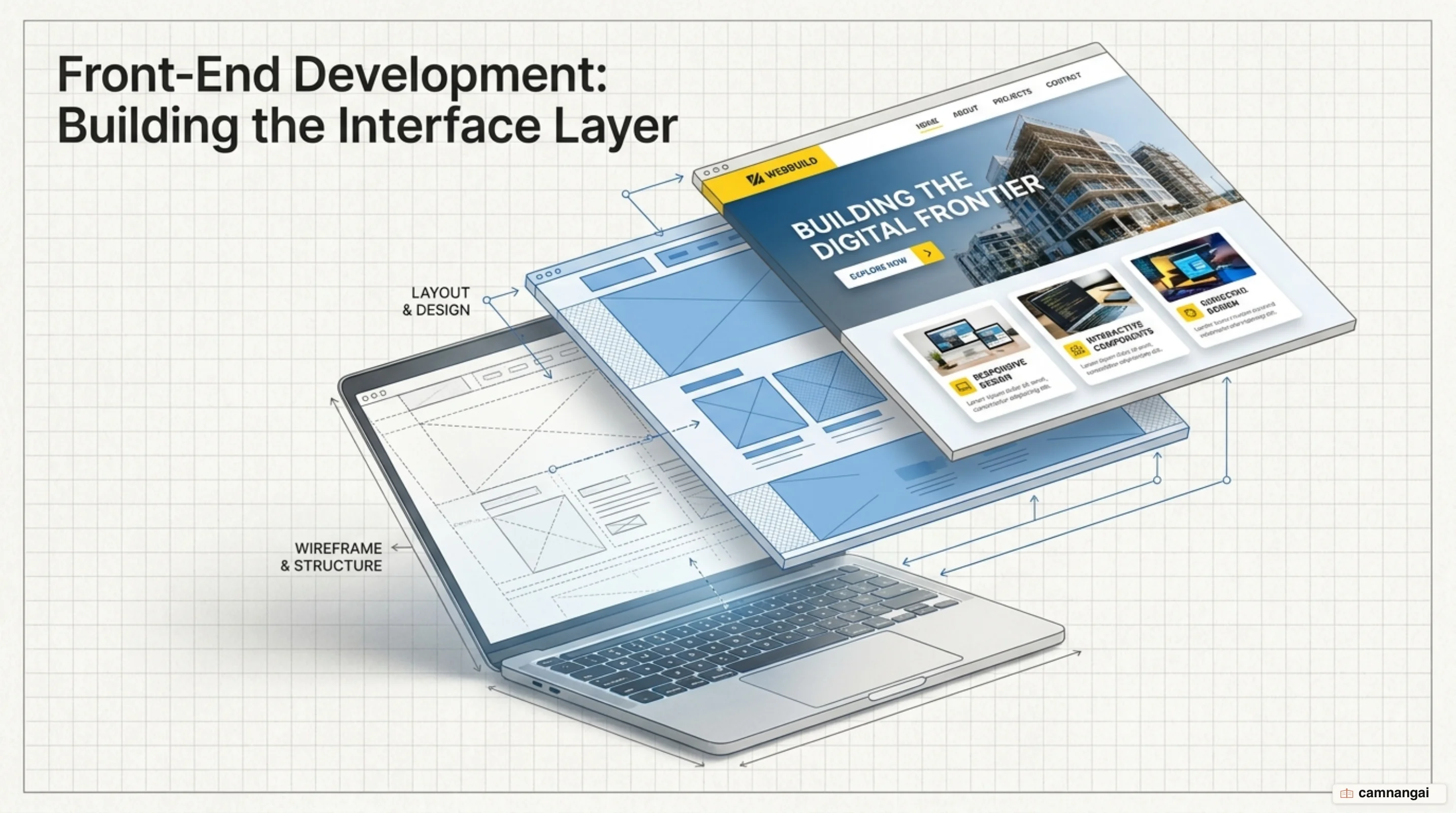
What is front-end development?
Front-end development is the work of building the part of a web application that runs in the user's browser.
Designers supply the visual concept and the aesthetic direction; you build it with code that stays stable and fast. That covers where text and images sit on the page, and how interactive elements like navigation menus and search bars behave. You own the "look and feel" of the product, and you decide how someone moves through the interface.
Take a production site like freeCodeCamp. Someone placed that logo, made the search bar resize, chose how the dropdown menus open, and tied the whole flow together. Every element on the screen was coded so a visitor can find information quickly and without hunting. You turn a static mockup into something that responds immediately and predictably to whatever the user does.
Placement is only half the job. The user interface (UI) also has to stay consistent across environments, which means animations and navigation that work the same no matter which browser or operating system someone is running. A complex dashboard or a plain contact form—either way, your code handles the events and the visual feedback that make up the experience.
How front-end differs from back-end and full-stack
Engineering teams usually split the work between front-end and back-end. Your side is the graphical layout and the client-side logic. Back-end developers take the server side: data storage, application security, and server logic. You decide how a button looks and animates; the back-end engineer handles the data processing that starts once someone clicks it.
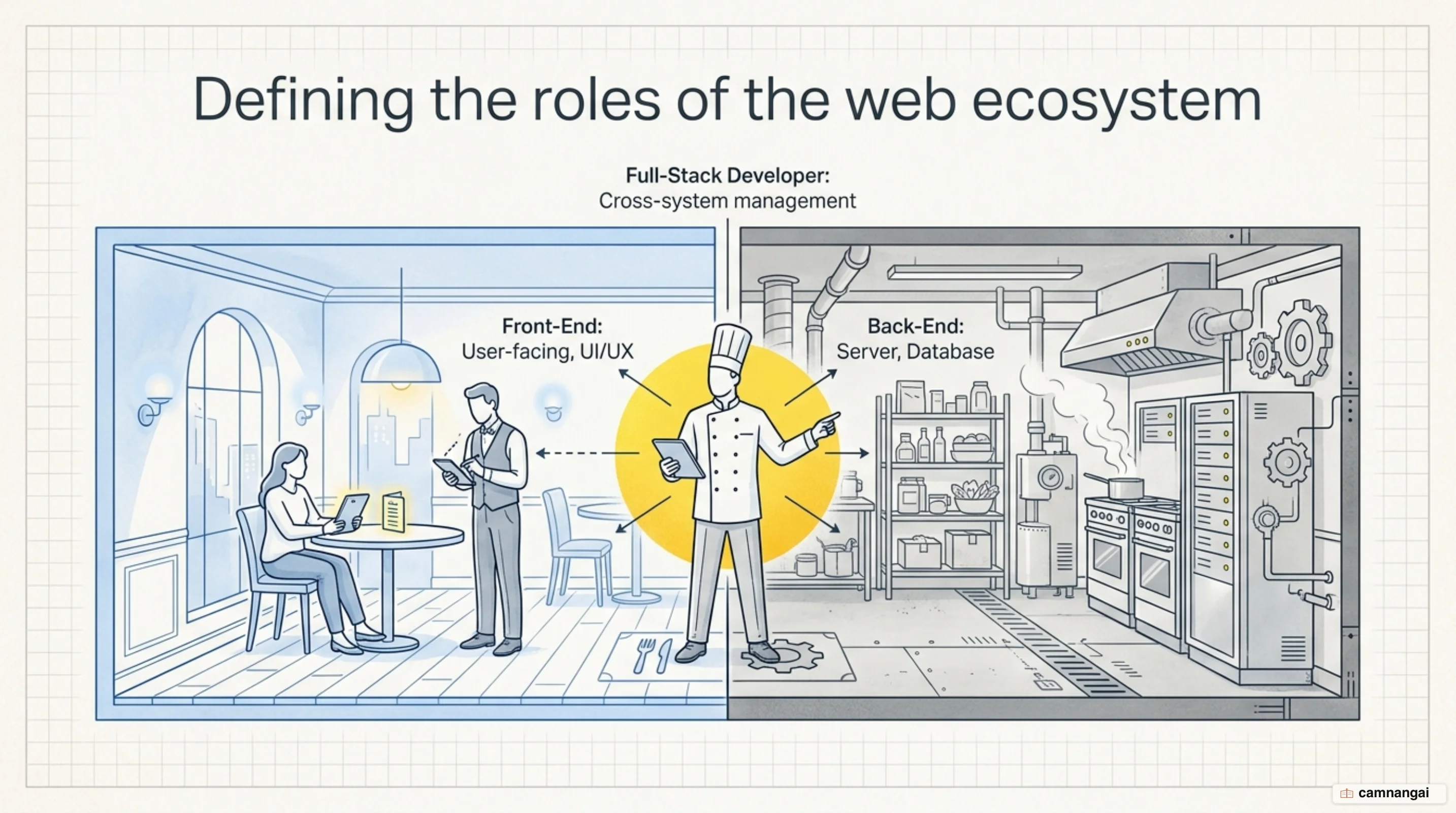
Full-stack development is both jobs at once. A full-stack developer can build the entire application, from the database schema to the final CSS. In a professional setting you will work with full-stack and back-end teammates across the software development life cycle (SDLC). That collaboration is what keeps the front-end interface and the server-side APIs in step when data has to be fetched and displayed.
The job also involves a lot of time with designers and UX researchers. Reviewing code and writing technical documentation is how you keep the implementation lined up with customer goals and with the user-experience standards the team holds itself to. Working across those disciplines surfaces technical constraints early in the SDLC, while the product can still change, and it is what keeps the result both buildable and useful to the person on the other end.
HTML, CSS and JavaScript: the three layers of every interface
Every front-end interface rests on three technologies that have had decades to mature. HTML (HyperText Markup Language), introduced in 1993 and now at HTML5, supplies the structural markup of the web. You use it to define the semantic skeleton of a page: headings, paragraphs, lists. Never use HTML for styling—its only job is to organize content and give browsers and assistive technologies something meaningful to work with.
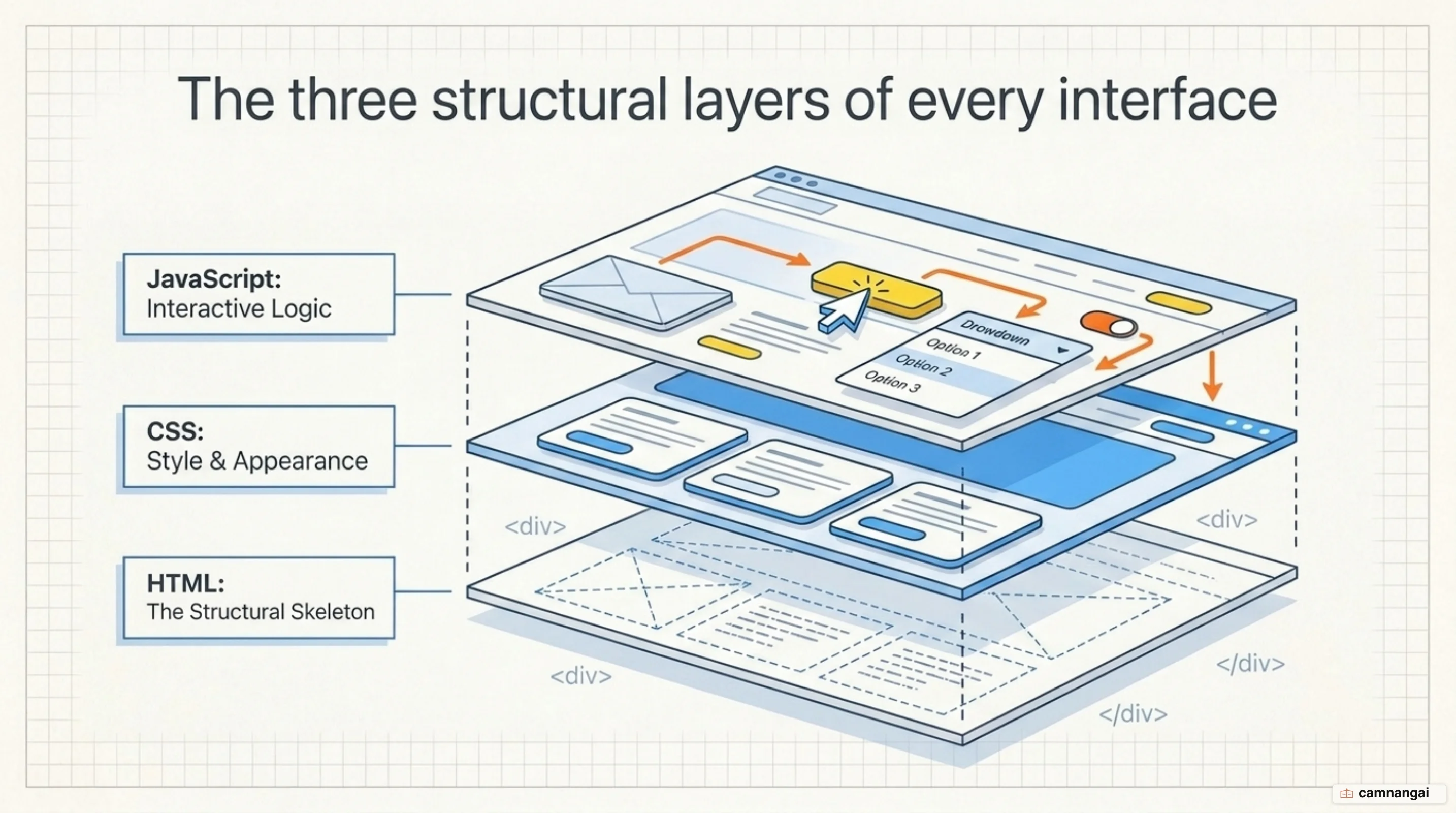
CSS (Cascading Style Sheets) is the styling layer, introduced in 1996 and now at CSS3. It handles visual presentation: colors, complex layouts, animations. Keeping a strict separation of concerns between HTML structure and CSS styling gives you a codebase that is easier to maintain and scale. Modern CSS also opens up advanced layouts through Flexbox and Grid, which lets developers build designs that were historically impossible.
JavaScript is the logic layer, the one that makes a page do things. Introduced in 1995 and governed by the ECMAScript standards (currently ECMAScript 2022), it gives you DOM manipulation and real-time event handling. Click a menu button to toggle a dropdown, and JavaScript is what manages that state change. Structure, style, logic—these three layers are the basis of all modern web engineering.
Frameworks and libraries: React, Vue, Angular and the rest
To build complex single-page applications (SPAs) at scale, developers use frameworks and libraries that ship pre-defined components. React (v18.2.0) uses a virtual DOM to update the page quickly without reloading it. Angular (v17.0.3) follows the Model-View-Controller (MVC) pattern and gives enterprise-level applications a modular structure. Vue.js (v3.3.0) offers reactive data binding, so the UI updates on its own whenever the underlying data changes.
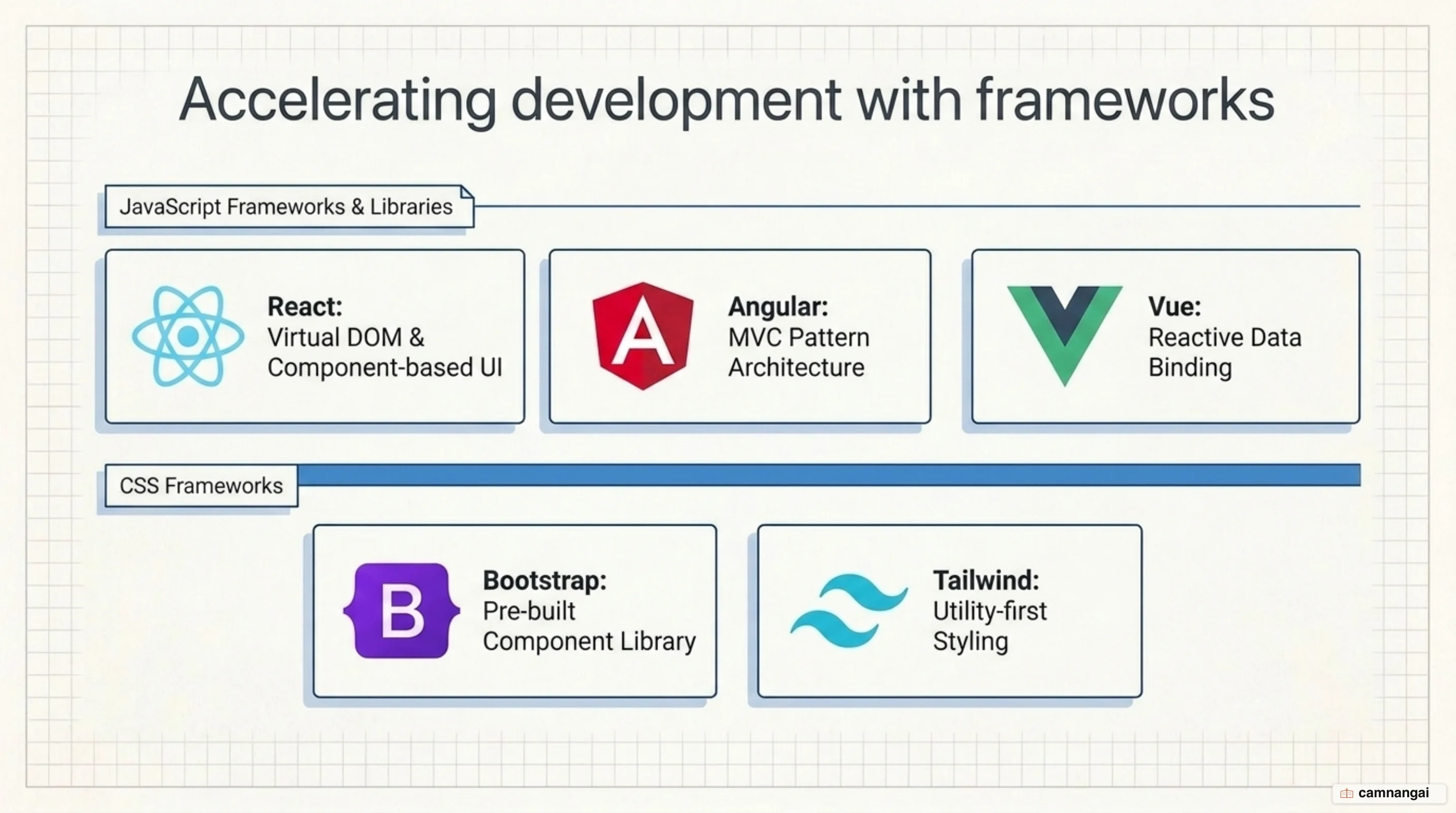
CSS frameworks like Bootstrap (v5.3.2) and Tailwind CSS speed up mobile-friendly design work with a large catalog of pre-styled classes. You get responsive grid systems and UI components without writing them from scratch. CSS preprocessors like Sass or Less add logic, variables, and nested rules to your styling, which keeps large stylesheets organized and DRY (Don't Repeat Yourself).
To decide which toolset to learn, read the job postings where you live. Some places favor React's component-based architecture; others want the full framework Angular provides. Either way, these tools are what let you handle complex state management and modular development, which is what the delivery timelines in modern software engineering assume.
Responsive design and accessibility: interfaces that work for everyone
Web interfaces have to be responsive, because so much traffic now arrives on phones. Four things get you there: breakpoints, flexible images, flexible grids, and media queries. Breakpoints shift your layout at specific screen widths, while flexible grids and images scale elements proportionally. Media queries are the CSS side of it—they detect device characteristics and trigger those layout changes based on the user's hardware.
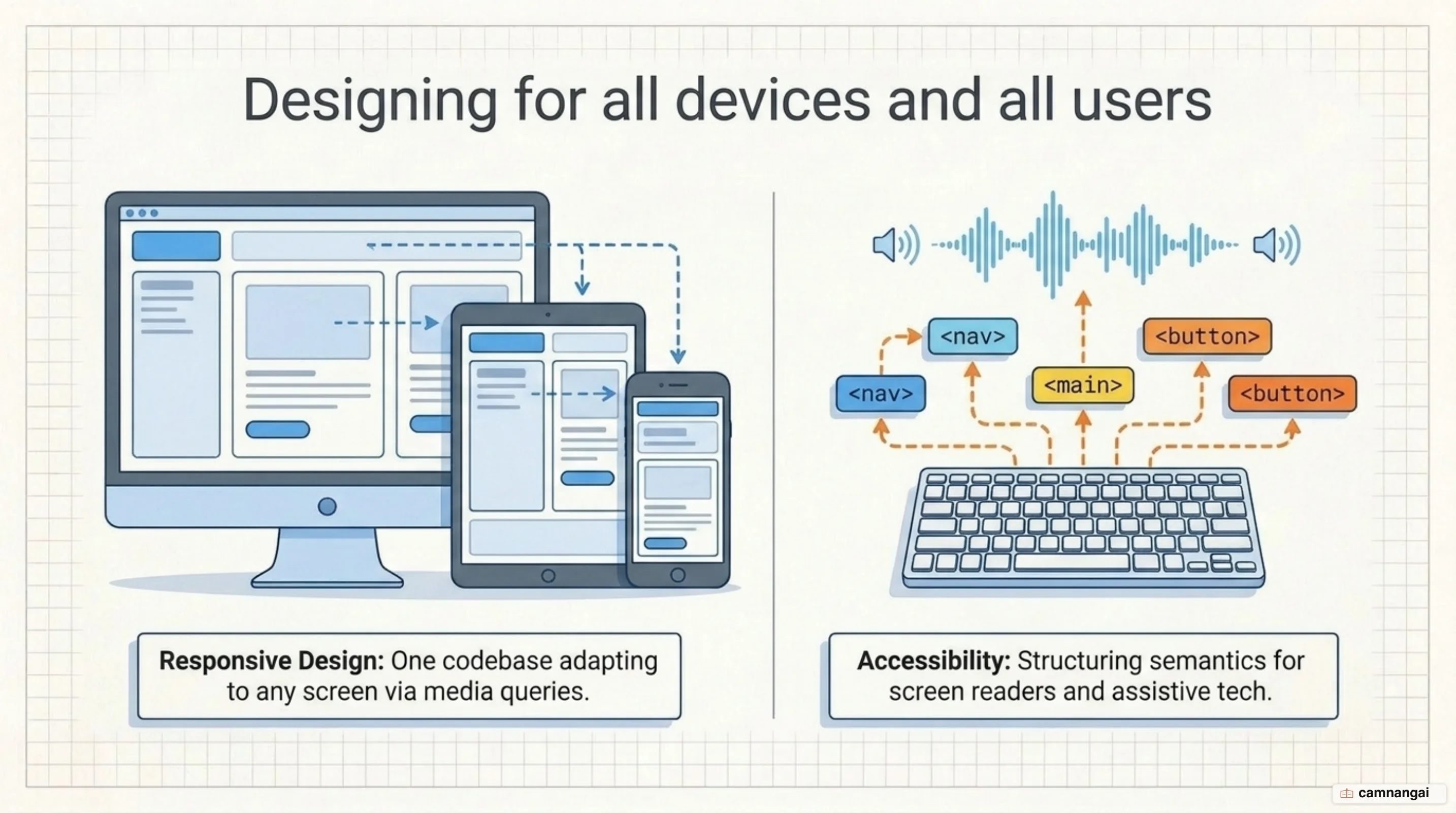
Accessibility is the practice of making an interface usable by everyone, including people using assistive technologies like screen readers. Follow the Web Content Accessibility Guidelines (WCAG) so your products stay inclusive. Much of that comes down to semantic HTML tags—<nav>, <main>, <button>—which give a screen reader the context it needs to navigate the application structure correctly.
The case for accessibility and responsiveness is technical as much as ethical. Skip flexible layouts or accessible markup and you lose real users. Build for every screen size, keep contrast high, keep navigation paths logical, and your product works for whoever shows up.
Security, testing and version control on the front end
Professional front-end development takes real security awareness, because user data passes through your code during login and payment sessions. You have to guard against Cross-Site Scripting (XSS), where attackers replace components with malicious scripts, and Denial of Service (DoS) attacks that overwhelm systems. For Cross-Site Request Forgery (CSRF), implement secure token generation using cryptographic hashes like MD5 or SHA-256 to validate user requests.
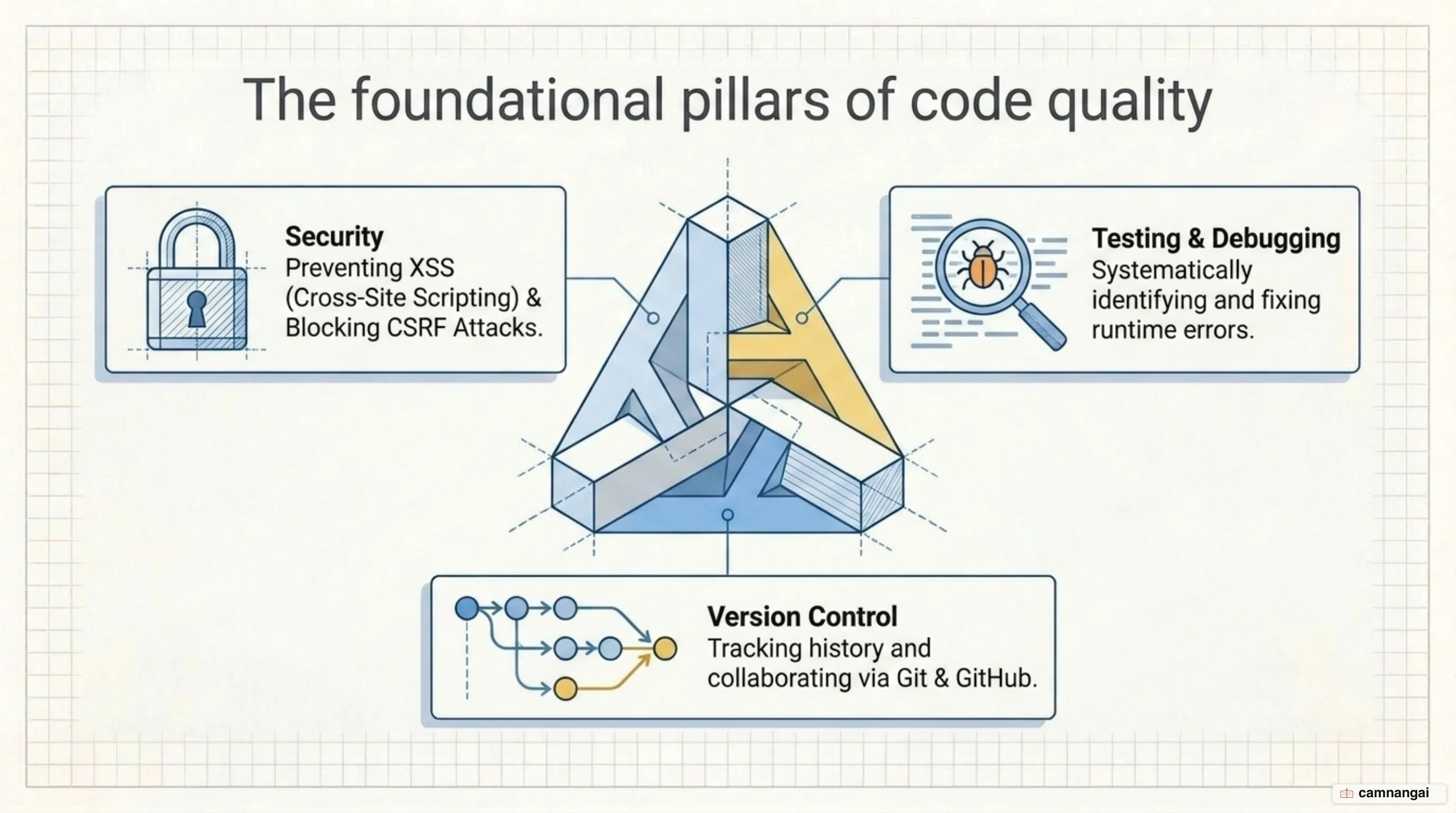
Version control is a baseline requirement of the engineering workflow. Git is the industry-standard tool for tracking code changes and coordinating a team. Hosting on GitHub, GitLab, or BitBucket gives you somewhere to keep the codebase, run code reviews, and roll back to an earlier version when a bug slips in. It is also what lets several developers work on the same project without overwriting each other.
Debugging and automated testing come next. Debugging is how you track down and fix logic errors in your code. Testing means writing scripts that check the application behaves as intended before it reaches production. Good engineering teams lean on those test suites to keep the code stable and to catch the moment a new feature breaks something that already worked.
The front-end developer job: skills and outlook
The hiring outlook is solid: the US Bureau of Labor Statistics projects an 8% job growth rate for front-end developers from 2023 to 2033.
Technical skill in HTML, CSS, and JavaScript is the baseline. Analytical problem-solving matters just as much, because the day goes into breaking complex technical requirements into tasks someone can actually pick up. So does communication: you explain technical constraints to people who do not write code, and you work with designers so the finished product meets customer goals and business objectives.
The role travels well, with real opportunities for remote work and freelancing. In-house at a large tech firm or independent contractor, web technologies keep changing, and the career stays varied because of it. If you like learning continuously and enjoy untangling hard user-interface problems, this is a good field to be in.
Where to start learning front-end today
Start with HTML and CSS, and stay there until the basics are solid, before moving into JavaScript logic. Structured, industry-recognized curricula and certifications from platforms like freeCodeCamp, GeeksforGeeks, or Coursera are worth the time. They give you the theory and an interactive place to practice it, starting from zero.
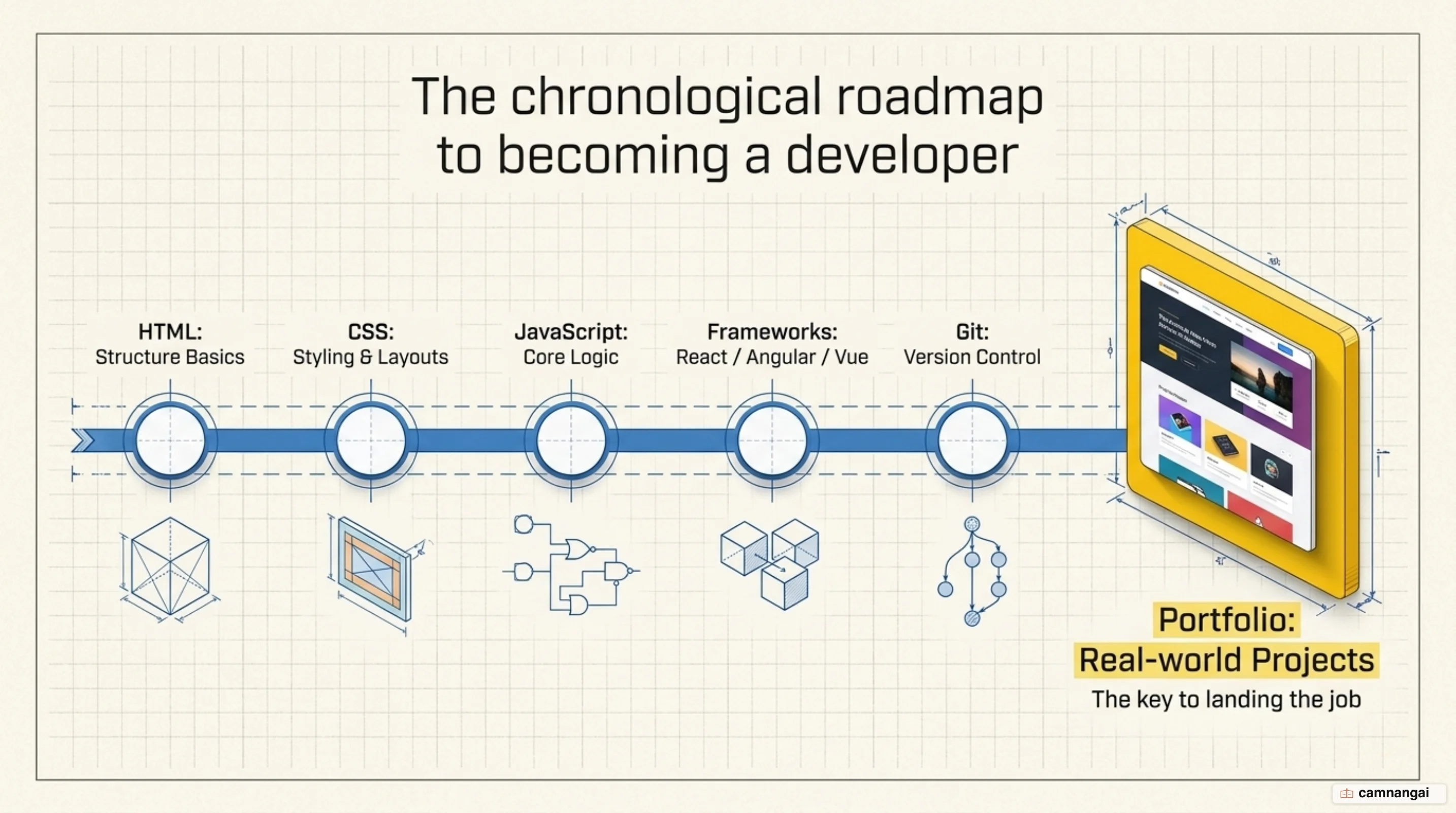
Then build things. Project-based learning is what turns knowledge into skill, so aim for a spread of projects in your portfolio:
- A tribute page or a full personal portfolio.
- A survey form or a technical documentation page.
- A parallax website or a restaurant website.
- An image gallery or a music website built with JavaScript.
Once the core stack feels comfortable, pick up a JavaScript framework like React or Angular and get familiar with Git for version control. A portfolio of real-world projects does two things: it shows recruiters you can build, and it gives you material to talk through in the technical interviews that stand between you and the job.
Consistent practice with the core technologies
The fastest way to get good is to keep using HTML, CSS, and JavaScript on real projects. Frameworks and libraries turn over quickly; a deep understanding of these three core layers does not. Build functional, accessible interfaces first—those are the skills that let you pick up any tool, or fit into any team, later on.