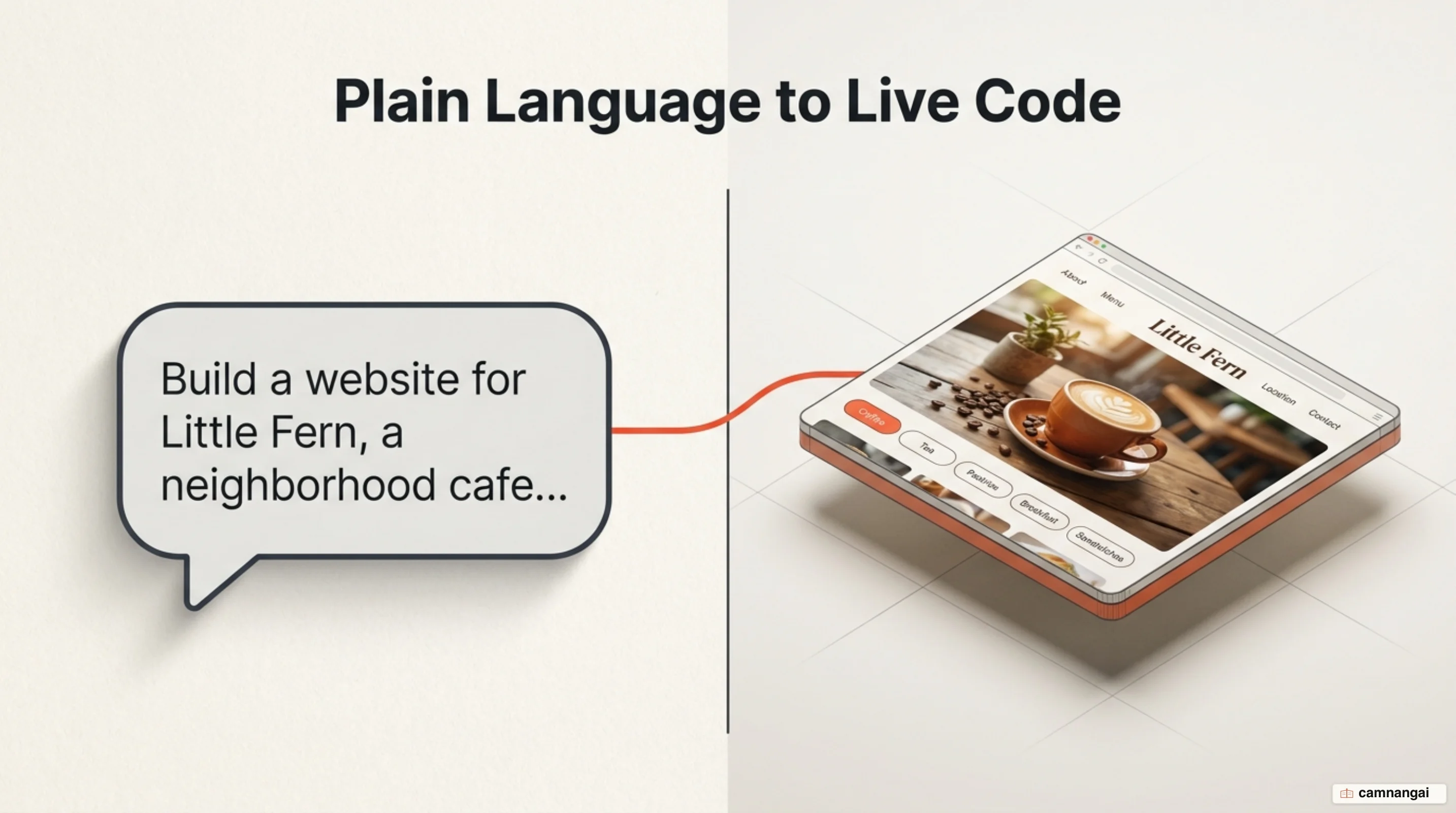
By the end of this walkthrough, you will have a live, interactive website for a neighborhood cafe — a category-filtered menu, opening hours, and location details — running on a public URL you can share. You get there by vibe coding: you describe what you want in plain English and the AI writes the code.
You need a web browser and an email address. No prior programming experience, and nothing to install on your machine.
Step 1 — Pick an idea small enough to finish in one sitting
Define a small slice of your product and hold the scope there. Stay in that slice and you avoid context momentum — the AI drifting off-track because a request was too broad to pin down.
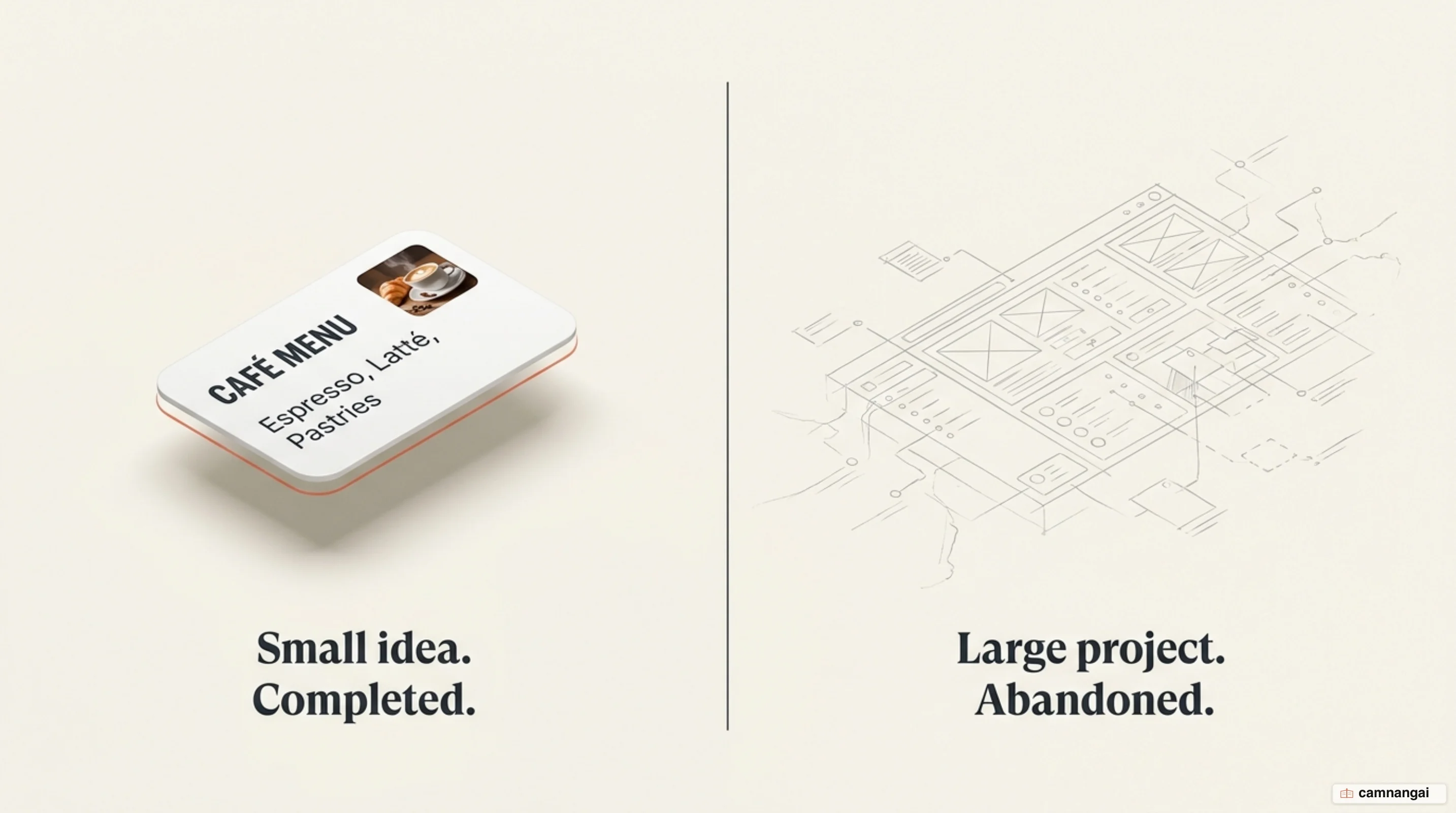
Pick one of these starter ideas for this session:
- The cafe site: a homepage with a menu, hours, and location.
- Equipment tracker: a searchable table of items with owner status and return dates.
- Business dashboard: charts and tables showing revenue and active customers.
A narrow goal keeps the AI pointed at what you actually wanted. Aim to finish and ship inside 6–10 focused hours.
Step 2 — Create an account and open a new project
Go to Lovable at lovable.dev and sign up with email, Google, GitHub, or Apple. Nothing installs locally, because the whole environment runs in the browser.
You know you are in the right place when the dashboard shows a prompt box labeled "Ask Lovable to create...". That box is where you tell the AI what to build.
Step 3 — Write the first prompt that describes the whole app
Do not describe the app piece by piece. Open with a complete summary of its structure and style. Paste this prompt verbatim:
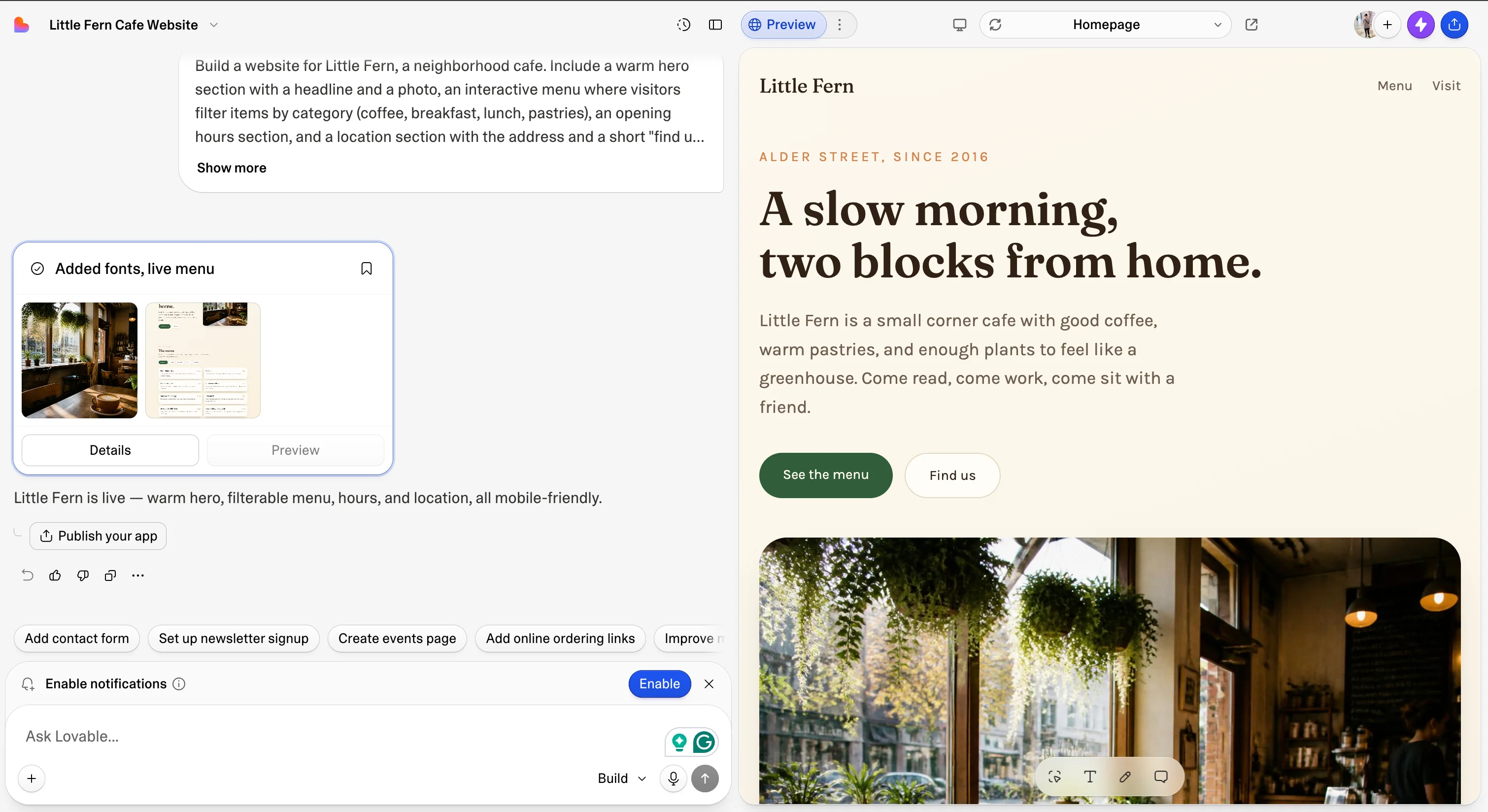
Build a website for Little Fern, a neighborhood cafe. Include a warm hero section with a headline and a photo, an interactive menu where visitors filter items by category (coffee, breakfast, lunch, pastries), an opening hours section, and a location section with the address and a short "find us" description. Use realistic sample content throughout. Cozy, welcoming design. Works well on mobile. No login or database yet.Within a few minutes the editor opens with chat on the left and a live preview on the right, filled with realistic sample content. That last line, "No login or database yet", does the most work in the whole prompt. Skip accounts and storage in version one and the AI has less logic to juggle, so it spends its attention on the interface instead.
Step 4 — Change one thing at a time
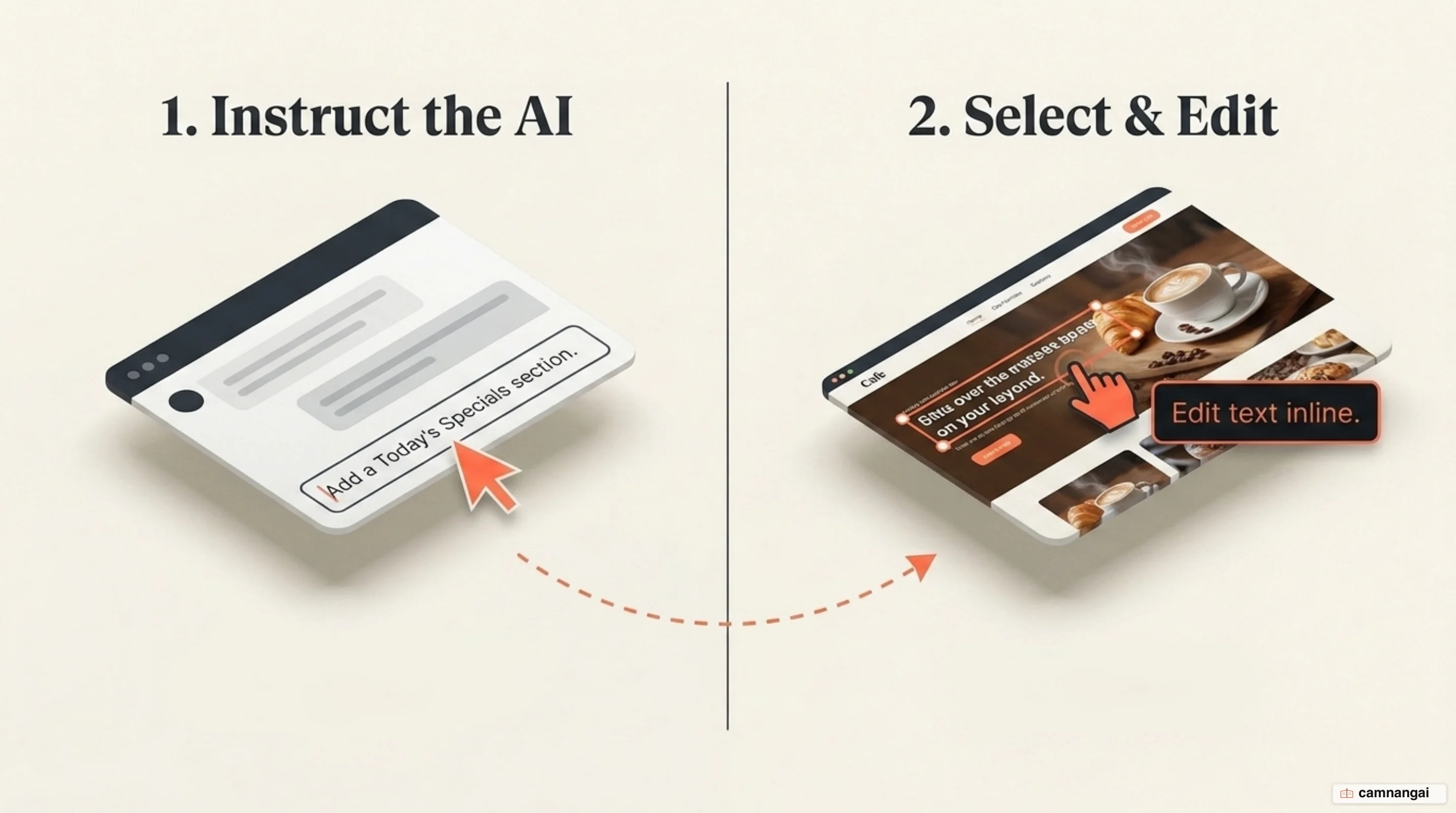
There are two ways to do this, and you only need one of them per change.
Refine using chat
Use the chat window to ask for one feature at a time. A targeted request protects the work already done and keeps the AI from refactoring logic that was fine:
Add a "Today's specials" section between the menu and the opening hours, highlighting two menu items with a short description and price.Accept a change that is not quite right and the problem compounds. The project drifts into path dependence: the AI carries the wrong context forward, and every later correction fights it. This is the rule I break most often, because backing out a wrong turn always costs more prompts than getting it right would have.
Refine by pointing
Make visual changes straight in the preview toolbar. Select an element on the page and use "Edit text inline" to change a label or headline directly. The preview updates instantly, with no page reload and no chat turn spent.
Step 5 — Test the app yourself before you publish
Use the app the way a customer would. Do not assume the AI produced error-free logic:
- Click every button and link and confirm each one lands where it should.
- Test every menu filter and check the items update for the selected category.
- Toggle "Mobile view" above the preview and check the layout holds.
Watch for the failure that looks fine: a professional-looking interface with no logic underneath, where a button animates but does nothing. When a test fails, describe the failure precisely — "In the menu, clicking the pastries filter shows no items. It should show the pastry items."
Step 6 — Publish it and get a shareable link
Click Publish in the top right of the editor, check the site name and icon, and confirm. Your app is live at a lovable.app URL that anyone can open.
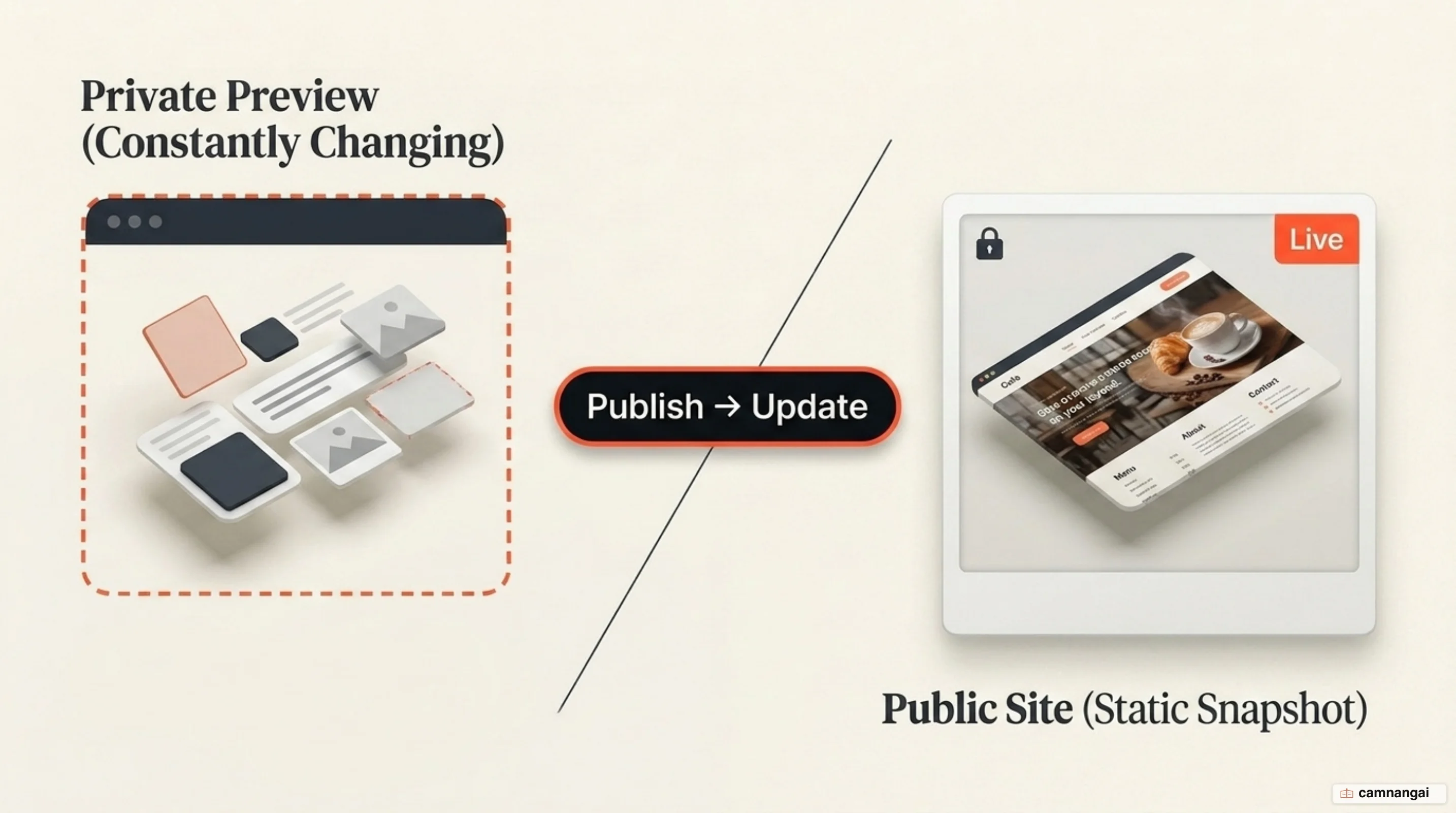
The public site does not update every time you chat with the AI. What you published is a snapshot from that moment; later changes stay in your private preview until you click Publish → Update.
Prompts you will use every day
| Objective | Prompt pattern |
|---|---|
| Add a section | "Add a [section name] between [section A] and [section B], including [features]." |
| Change the tone | "Make the whole site feel [warm/professional/modern] and less [corporate]." |
| Restrict the scope | "[Specific change]. Keep the rest of the page unchanged." |
| Set the context | "Context: this site is for [audience]. For this change, only touch [section]." |
When the AI gets it wrong: a troubleshooting table
| Symptom | Probable cause | Fix |
|---|---|---|
| Blank screen or a runtime error | A configuration mismatch or a library that does not exist | Open the browser console, copy the error, and paste it into the chat for a fix. |
| The AI ignores new instructions | Context momentum — it is stuck on an earlier logic path | Start a new chat thread, or restate only the intent that still matters. |
| Logic errors or non-existent packages | Hallucination — invented properties or libraries | Give it the documentation URL for the framework and tell it to follow that. |
Safety checks before real people use it
Security is yours, not the AI's. Roughly 38% of AI-generated code contains at least one security flaw, and that number is why this list is not the optional part of the tutorial. Run it before you share the link:
- Audit for hardcoded secrets: confirm no API keys, database credentials, or passwords sit in the source files.
- Verify access control: check that no admin page or endpoint is reachable without signing in — that is the exact hole behind the Moltbook breach, where the AI created an unauthenticated endpoint.
- Audit dependencies: review every package name. The AI can invent libraries that do not exist, and attackers register those invented names with malicious code — an attack called slopsquatting.
What to do next
Show the app to two or three real users and find the most annoying part of how they do this today. Their reaction drives your next round of prompts far better than another pass on your own does.
References
- What is vibe coding, exactly? — MIT Technology Review
- Vibe coding 101 — Replit Docs
- Quick start — Lovable Documentation
- Vibe coding: programming through conversation with artificial intelligence — arXiv
- I Built the Same App 5 Ways: Cursor vs Claude Code vs Windsurf vs Replit Agent vs GitHub Copilot — DEV Community
- Vibe Coding in 2026: Beginner Projects You Can Build (and Monetize) — Nucamp
- Vibe coding is fun and easy, but there's a major catch — The Conversation
- Vibe Coding Security Risks You Can't Ignore — Arnica