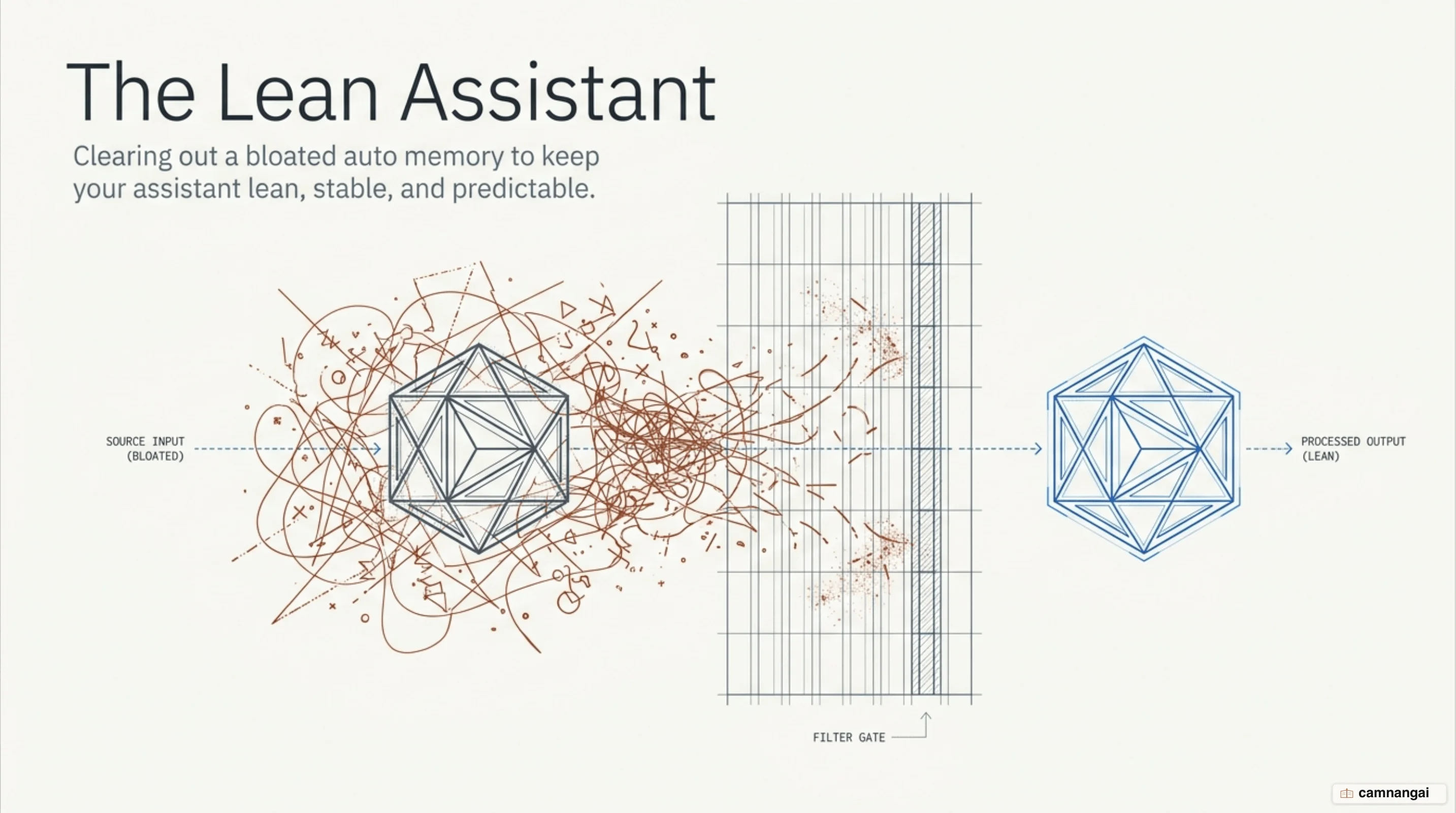
You should delete or disable memory.md — the auto memory that Claude Code writes for itself. It introduces hidden state that compromises predictability, bloats your context, and wastes tokens on every message.
The memory.md system exists to bridge sessions by injecting notes Claude writes about your habits. But for a deterministic development environment, relying on auto memory often leads to state drift, where unverified past observations shape the agent's behavior instead of the rules in your codebase.
I keep my own agents stateless for exactly this reason, because then the model behaves consistently based only on the instructions you provide. When you let an agent write its own persistence layer, you lose the ability to keep behavior idempotent across worktrees and machines. Your token budget is better spent on explicit project standards than on an opaque log of your individual workflow habits.
What auto memory.md is, and how it differs from CLAUDE.md
Claude Code uses two systems to carry knowledge across sessions: CLAUDE.md and auto memory. CLAUDE.md is a human-authored markdown file for project-wide standards — build commands, naming conventions, and architectural rules. Auto memory, by contrast, is notes Claude writes for itself based on your corrections, debugging insights, and discovered preferences.
Auto memory stores data in a machine-local directory, typically ~/.claude/projects/<project>/memory/. The entry point is a file named MEMORY.md, which acts as an index for topic-specific markdown files. Because these files are machine-local and derived from the repository hash, they are shared across all git worktrees. For engineers using git worktree, that causes context leakage: stale debugging patterns from an experimental branch can bleed into a production hotfix and produce unexpected agent behavior.
There is also an important difference around subagents. CLAUDE.md is loaded by subagents so they follow project standards, but the main conversation's auto memory is isolated. Subagents (with the exception of forks) do not inherit the index, making auto memory a fundamentally unreliable place to store project-wide logic you expect to persist through multi-agent workflows.
Why memory.md quietly bloats your context
The memory system imposes strict read limits that can degrade performance. Claude Code loads only the first 200 lines or 25KB of MEMORY.md at the start of every session; anything past the threshold is dropped. This creates a rewrite cycle: Claude Code measures the file and, if it is near the limit, returns an error telling the agent to rewrite the index and move detail into topic files. So the agent spends a turn tidying its own filing cabinet before it gets anywhere near your code.
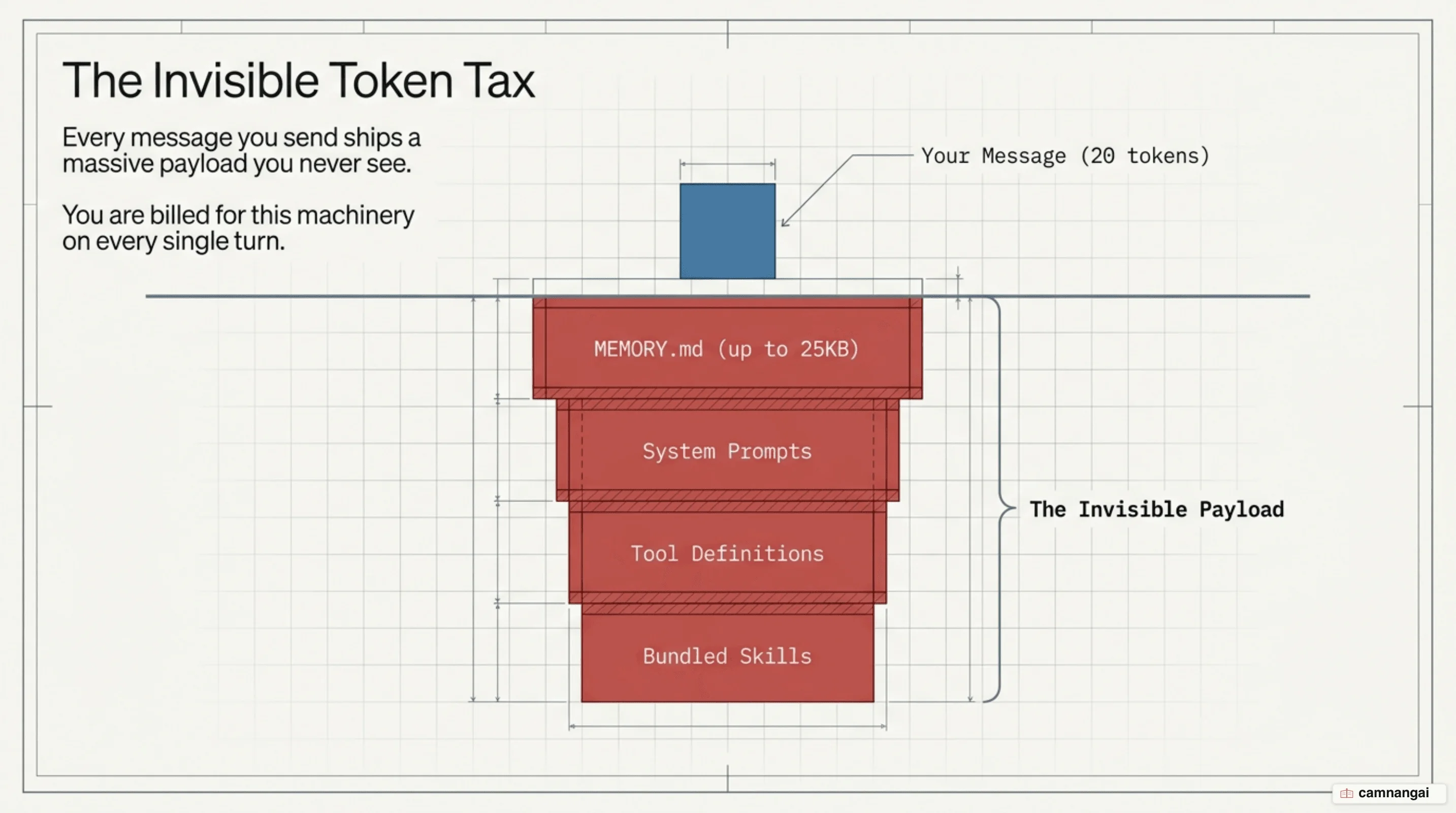
As of version 2.1.211, Claude Code strips YAML frontmatter and block-level HTML comments before calculating the limit. But the payload remains a constant drain on your token budget. Because the index ships with every message, it competes for space in the context window and can reduce the model's ability to follow your instructions. You can inspect where auto memory lives through your project configuration:
{
  "autoMemoryEnabled": true,
  "autoMemoryDirectory": "~/.claude/projects/<project>/memory/"
}
When auto memory starts "running" your setup
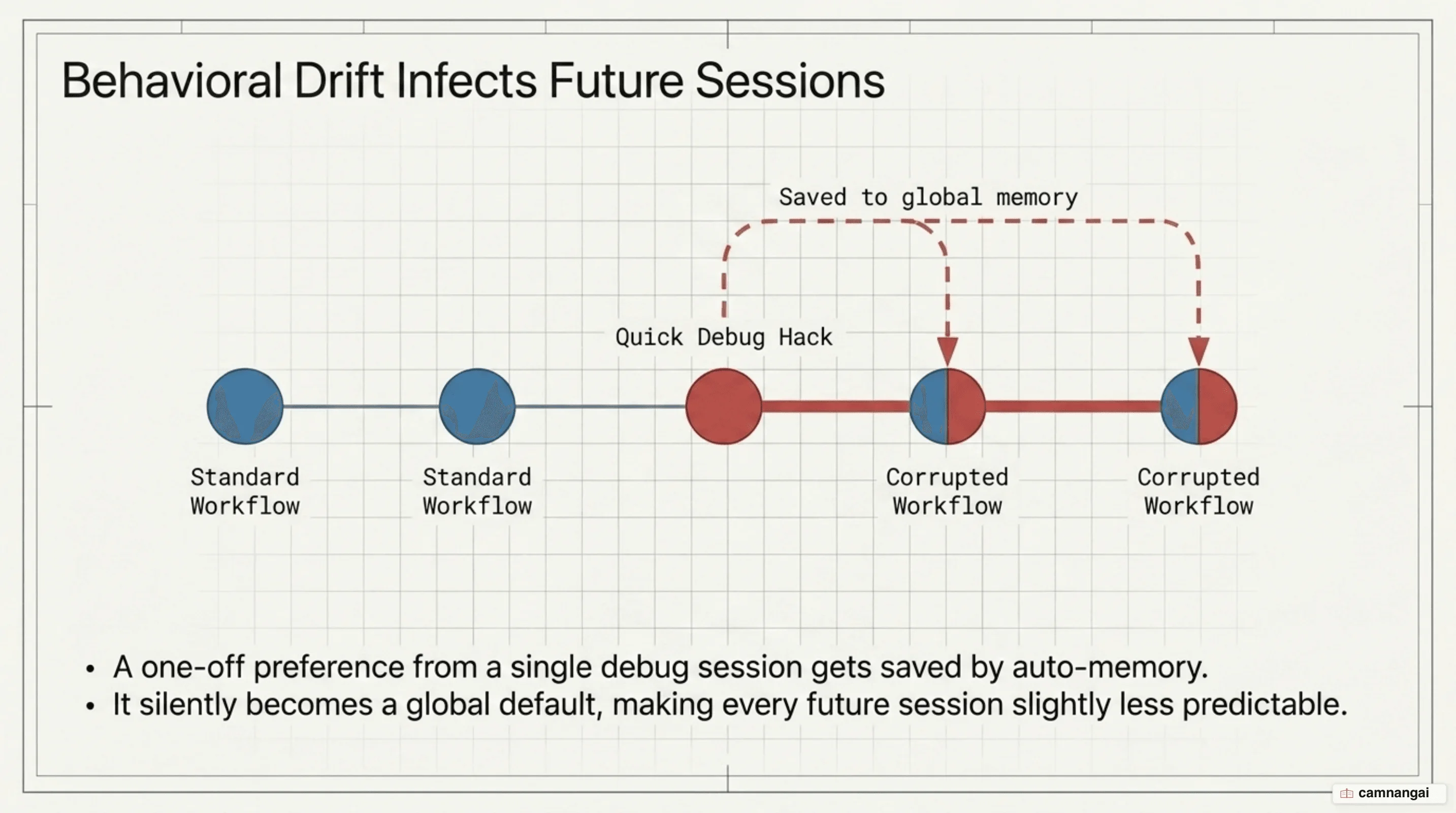
The primary risk of an eager memory system is clutter — stale or irrelevant entries that build up and pull the agent away from project defaults. If you express a one-time preference for a specific debugging tool or a non-standard naming convention during a late-night session, that preference can become a global default in your local environment. The agent becomes less predictable and harder to debug when it refuses to follow standard project logic, and because the preference lives in a file you never wrote and rarely open, you end up arguing with a config you did not know existed.
For serious engineering work, prioritize a stateless agent. In a stateless setup, the agent does not carry over habits from previous sessions unless you codify them in explicit, versioned configuration files. That keeps the steering in your hands: by removing the clutter of auto memory, you guarantee the agent starts from a consistent base every time — the determinism professional workflows depend on.