By the end of this page your ~/.claude/skills/ folder holds only the Claude Code skills you
actually use, every description fits inside the context budget, and you have a 30-day review on
the calendar so the folder stops growing back.
The catalog in the second half is where you pick those skills.
What you need first: Claude Code installed and signed in, a terminal, and write access to ~/.claude/. If you have no skills installed yet, skip Step 1 and start at Step 2.
Step 1 — Measure your context budget before installing anything else
Run this inside a Claude Code session:
/doctor
It estimates what the skill listing costs you in context and names the biggest contributors. The listing gets a character budget of roughly 1% of the model's context window, and each entry is truncated at 1,536 characters — that is description plus when_to_use combined, while description alone is capped at 1,024 characters in SKILL.md. Go past the budget and the engine shortens, then drops, descriptions altogether, starting with the skills you invoke least. Both numbers are configurable: skillListingBudgetFraction for the budget, skillListingMaxDescChars for the per-entry cap.
The skill names stay in the list, but stripped of their descriptions they silently stop auto-triggering — you will assume the skill is broken rather than that you installed too many.
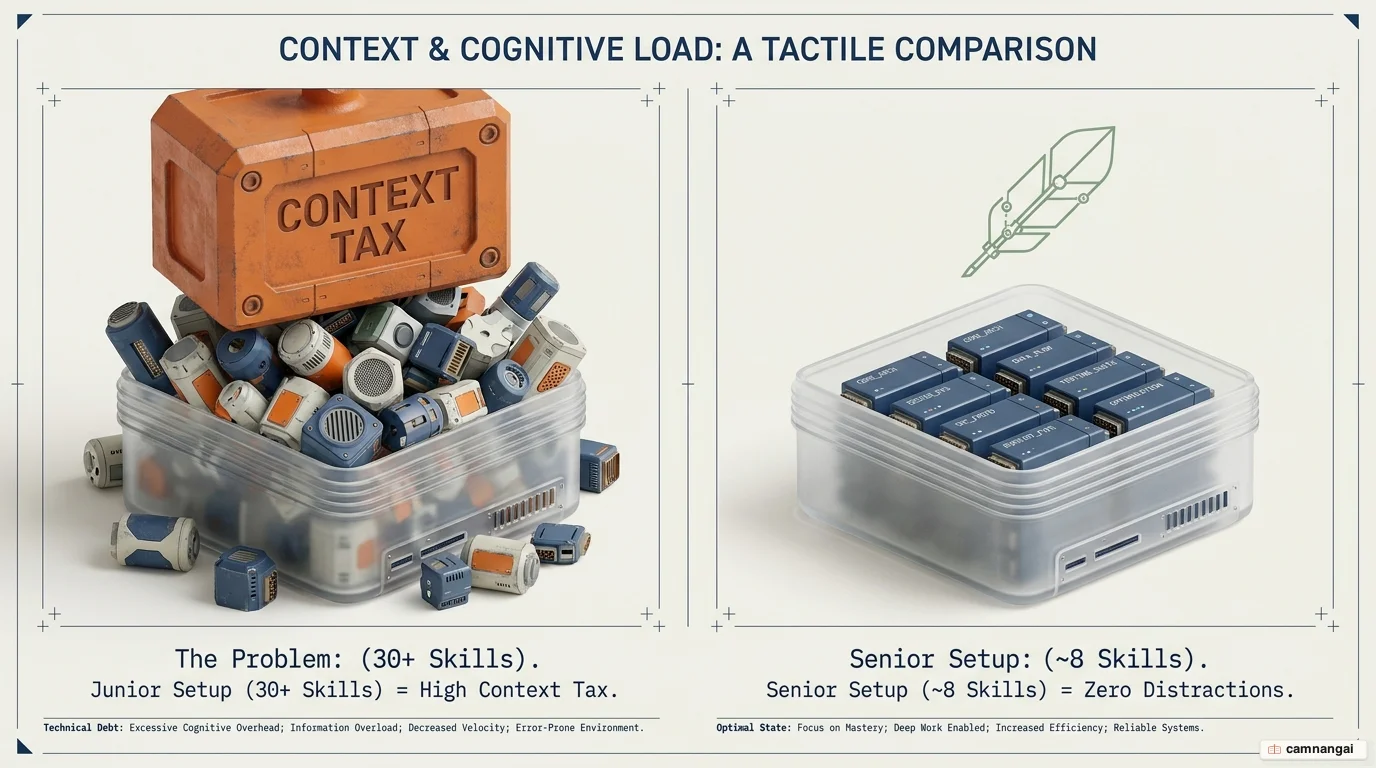
A bloated skill folder charges you on every turn, whether or not a given skill fires, and the token bill is the smallest part of it:
- Wasted budget — every description is reloaded into the system prompt each turn, spending tokens even when nothing fires.
- Wrong tool picked — similar skills confuse the model, which attempts a database migration when you asked to format a file.
- Shallower thinking — redundant tool schemas crowd out working memory, so bug detection and cross-module understanding both get worse.
Step 2 — Install one skill and confirm the engine loaded it
Pick one path and skip the other.
The official path: marketplace
/plugin marketplace add anthropics/claude-code
/plugin install skill-creator@claude-plugins-official
The community path: clone into your skills folder
git clone https://github.com/disler/agent-sandbox-skill.git ~/.claude/skills/agent-sandboxThen ask in the session: "What skills are available?". The skill you installed must appear in the list; if it doesn't, the engine hasn't compiled it. Claude Code watches ~/.claude/skills/ live, so you never restart a session after adding or removing a folder.