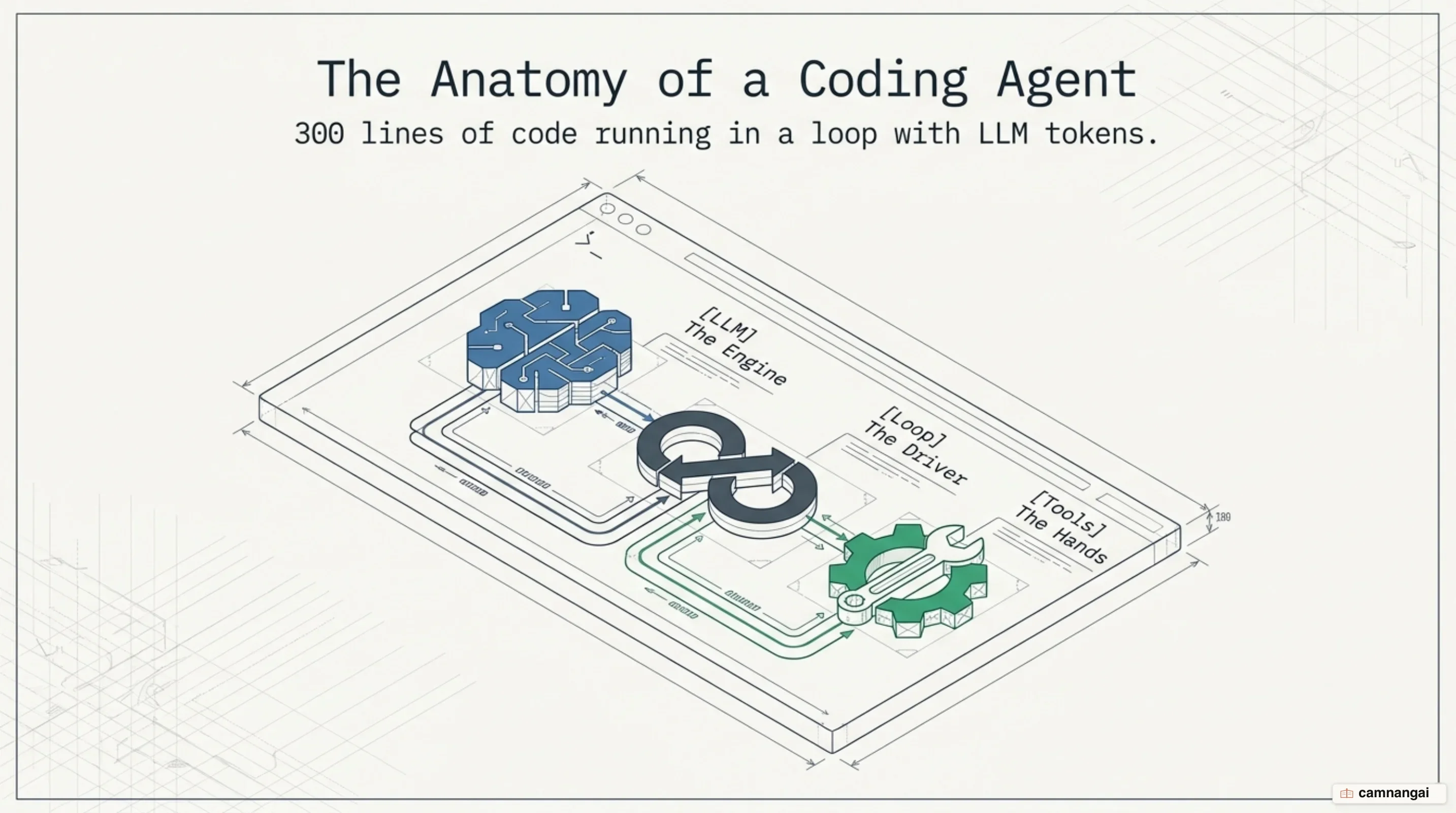
You will finish with a working coding agent that reads your files, edits them, and runs shell commands on its own, driven by a ReAct (Reason, Act, Observe) loop.
It reads files to see what it is working with, decides what to do next, and runs commands to reach the goal — without you stepping through each action.
You need Python 3.10 or higher, an Anthropic API key in ANTHROPIC_API_KEY, and a terminal. The
examples below use Claude Sonnet 5 as the reasoning model.
The complete sample project for this guide is on GitHub: camnangai-public-sources/coding-agent-demo.
Step 1 — Build the conversation loop
Pick one — skip the others.
Python Implementation
python
import anthropic
import sys

client = anthropic.Anthropic()
MODEL = "claude-sonnet-5"

def run_agent(user_message, conversation_history=None):
    if conversation_history is None:
        conversation_history = []

    conversation_history.append({"role": "user", "content": user_message})

    while True:
        with client.messages.stream(
            model=MODEL,
            max_tokens=4096,
            system="You are a helpful coding assistant.",
            messages=conversation_history
        ) as stream:
            for event in stream:
                if event.type == "content_block_delta" and event.delta.type == "text_delta":
                    sys.stdout.write(event.delta.text)
                    sys.stdout.flush()

            final_message = stream.get_final_message()
            conversation_history.append({"role": "assistant", "content": final_message.content})

            if final_message.stop_reason != "tool_use":
                break
            # Tool handling logic follows in Step 2
Go Implementation
go
package main

import (
    "context"
    "fmt"
    "github.com/anthropics/anthropic-sdk-go"
)

func (a *Agent) Run(ctx context.Context) error {
    conversation := []anthropic.MessageParam{}
    for {
        userInput, ok := a.getUserMessage() // Implementation uses bufio.Scanner
        if !ok { break }

        conversation = append(conversation, anthropic.NewUserMessage(anthropic.NewTextBlock(userInput)))

        message, err := a.client.Messages.New(ctx, anthropic.MessageNewParams{
            Model:     "claude-sonnet-5",
            MaxTokens: 4096,
            Messages:  conversation,
        })
        if err != nil { return err }

        conversation = append(conversation, message.ToParam())
        fmt.Printf("Claude: %s\n", message.Content[0].Text)
    }
    return nil
}
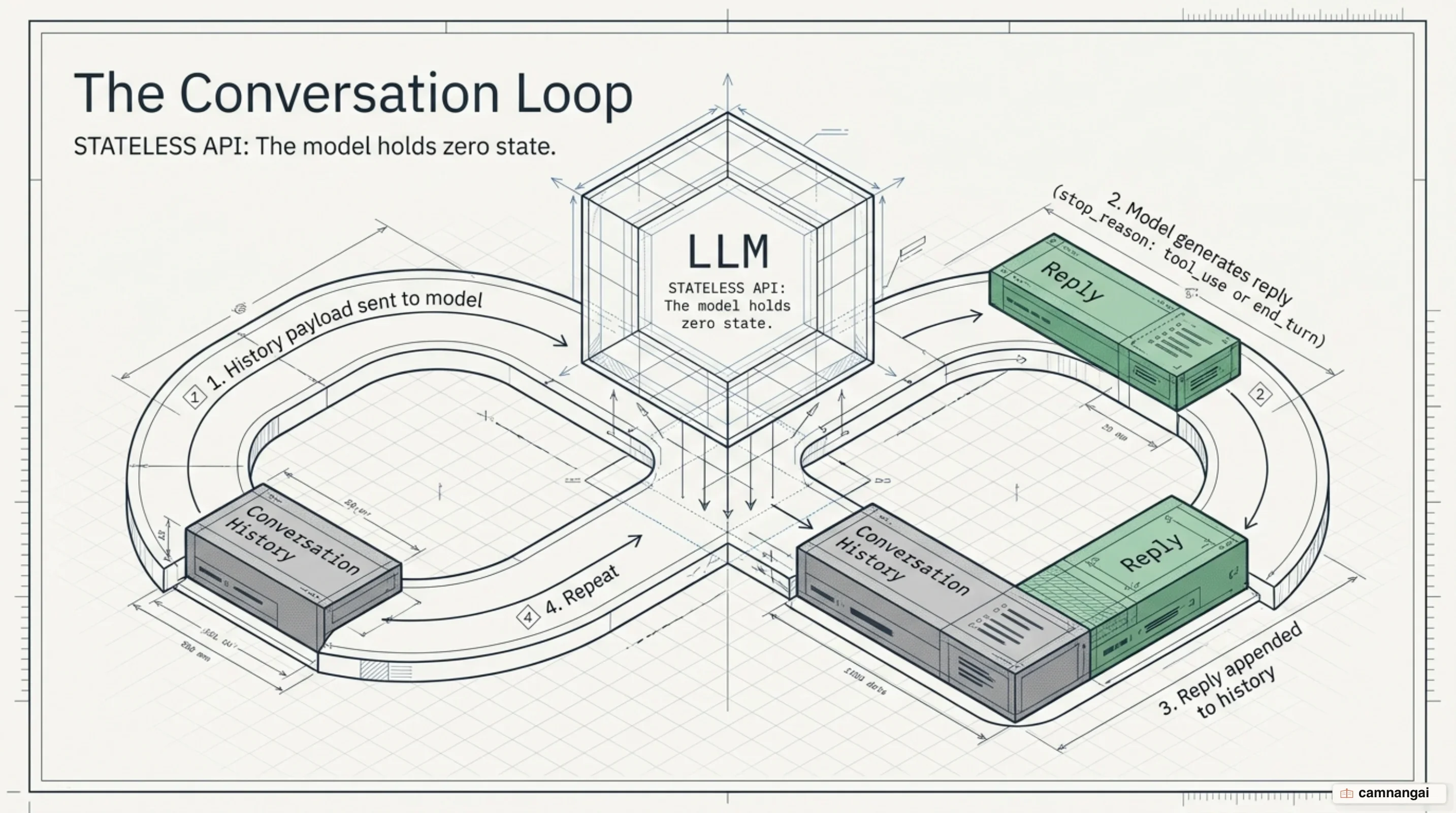
This loop is the heartbeat of the agent. It keeps multi-turn state by carrying the conversation and environment across every interaction.