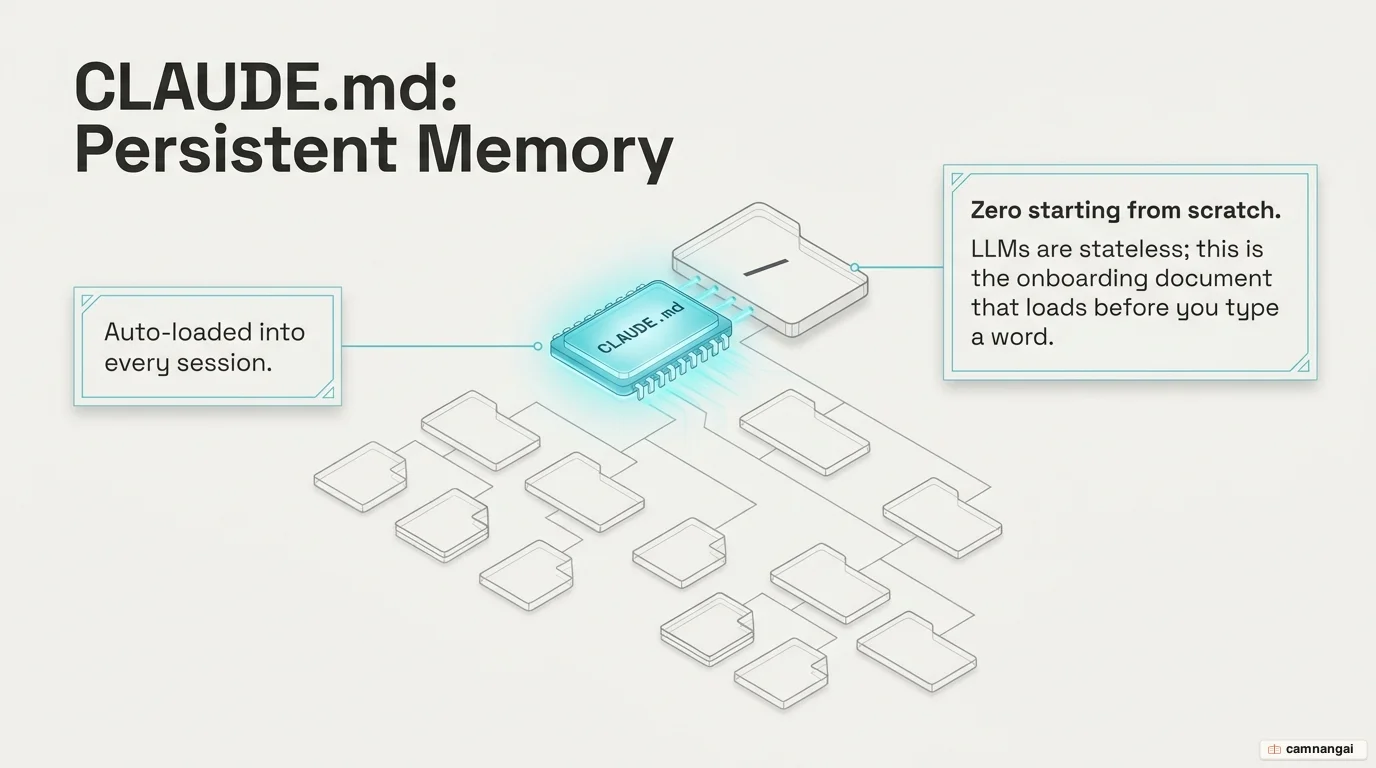
CLAUDE.md is a persistent briefing document that ensures Claude understands your architecture and norms before you send your first prompt.
Large Language Models (LLMs) are essentially stateless functions. Their weights are frozen; they do not learn from your project over time, so every new session with Claude Code begins with a total loss of project context. Without a CLAUDE.md file, you are forced into a cycle of "onboarding overhead," re-explaining your tech stack and conventions every morning.
This amnesia is a waste of your token budget and engineering time. CLAUDE.md transforms a stateless agent into a teammate that already knows your "unwritten" rules. Stop treating every session as a fresh hire walkthrough: by codifying your project's identity and behavioral constraints into this file, you ensure the AI operates with the same baseline knowledge as a senior engineer on your team.
What CLAUDE.md is and why every project should have one
A model only "knows" what is sitting in its context window at that moment, so the only way to keep a consistent developer experience across sessions is to hand it a persistent source of truth every time. CLAUDE.md is the only file that automatically enters every conversation context by default.
A context file that earns its tokens answers three questions about your codebase:
- WHAT (Tech Map): the tech stack, project structure, and folder purposes. This is critical for monorepos.
- WHY (Purpose): the goals of the project and the reasoning behind specific modules.
- HOW (Execution): the exact verification steps, build commands, and testing strings required to ship code.
Define these early and you stop the cycle of repeating "use pnpm, not npm" or "no default exports," because the workload shifts from re-explaining to executing.
How Claude Code reads and loads CLAUDE.md
Claude Code uses a bottom-up loading hierarchy through a directory walk. It starts at the filesystem root and moves toward your current working directory, concatenating every discovered file.
The hierarchy and priority follow this path:
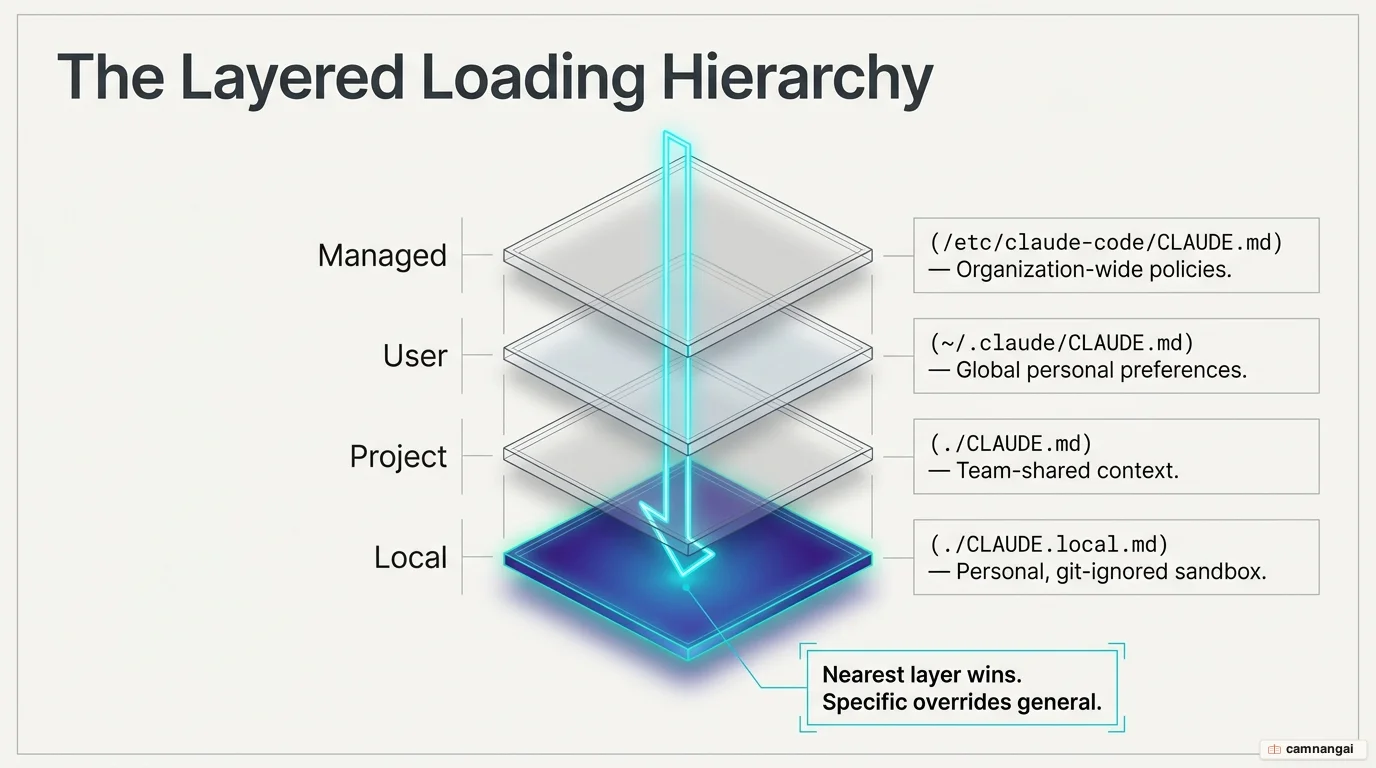
- Managed/Enterprise Policy: high-priority instructions (e.g.
/etc/claude-code/CLAUDE.mdon Linux,/Library/Application Support/ClaudeCode/CLAUDE.mdon macOS, orC:\Program Files\ClaudeCode\CLAUDE.mdon Windows). - User Instructions: personal preferences across all projects at
~/.claude/CLAUDE.md. - Project Instructions: repository-shared rules at
./CLAUDE.md. - Local Instructions: git-ignored personal overrides at
./CLAUDE.local.md.
Because LLMs exhibit recency bias—they follow instructions placed at the end of a prompt more reliably—instructions in your working directory effectively take priority. They appear last in the concatenated context, giving your local project rules more weight than broad enterprise policies.