By following this guide, you will finish with a working, portable Agent Skill that automates specialized tasks across Claude surfaces.
This architecture lets you package procedural knowledge into modular directories, so you can build an Agent Skill that scales from simple text heuristics to complex, script-driven operations.
Before you start, you need a terminal to run commands, a local directory to work in, and access to a Claude product — the Claude API, Claude Code, or the claude.ai web interface.
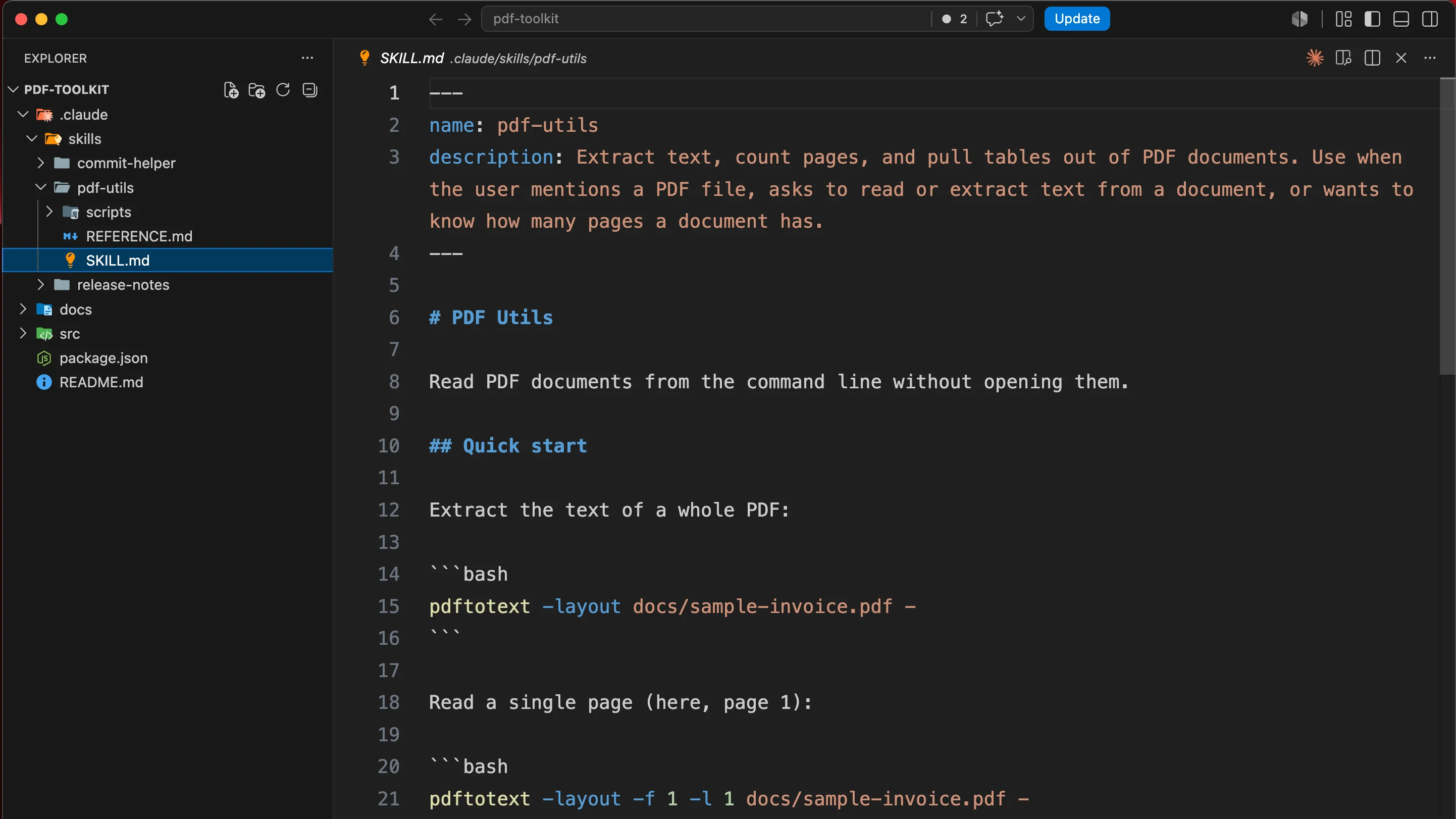
Step 1 — Pick the repeated task worth packaging as a Skill
Identify a manual, multi-step workflow or a set of domain-specific rules you keep pasting into chat
windows. If a task requires deterministic execution or consistent formatting — where "hallucination"
in the procedure is unacceptable — it belongs in a Skill. High-value candidates include PDF
manipulation such as complex form filling, checking marketing copy against brand guidelines, or
running multi-layered, domain-specific code reviews. If your
CLAUDE.md has grown into a procedure
rather than a set of facts, that section is the candidate.
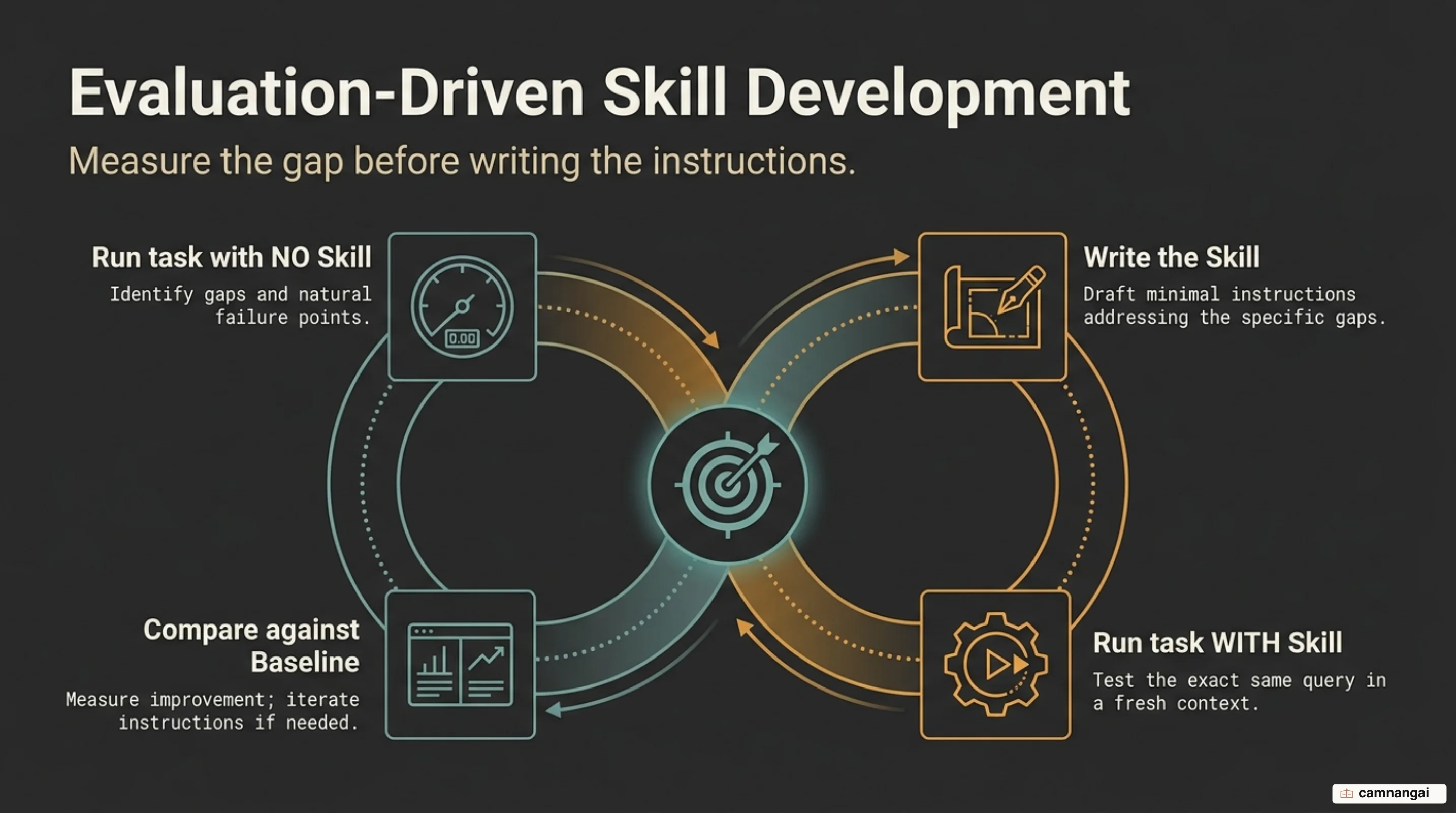
Step 2 — Write the evaluations before you write any instructions
Define your success criteria before drafting a single line of instruction. Create at least three representative test cases that reflect the varied inputs your Skill will handle. Run these prompts against Claude without a Skill active to get a performance baseline; that shows the specific failure points where Claude's native reasoning needs the explicit guardrails your Skill will provide.
Step 3 — Scaffold the Skill in your skills directory
Agent Skills are filesystem-based directories, not standalone files. This structure lets the Skill include secondary reference materials and executable scripts without bloating the primary context. Create the Skill directory and the required entry point:
mkdir my-skill && touch my-skill/SKILL.mdVerify the directory exists. Claude looks specifically for SKILL.md to bootstrap the Skill's
logic.