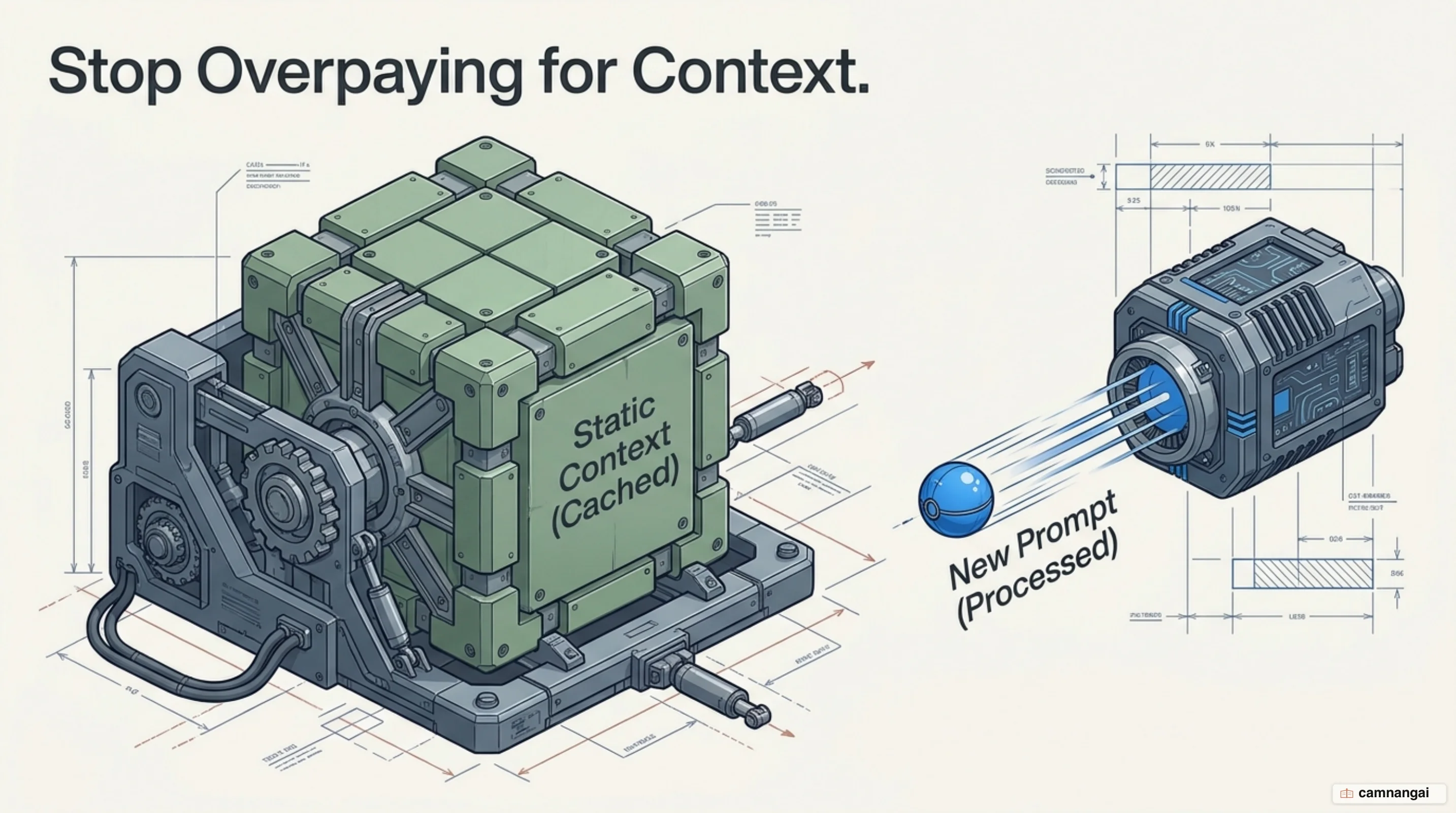
You are likely wasting tokens by reprocessing the same system instructions, tool definitions, and reference documents on every single API call. Prompt caching is an optimization that lets the model store the computed state of frequently used context. By caching these prefixes, you stop paying to recompute the same attention weights over and over.
Processing tokens is a compute-heavy operation centered on the "attention" mechanism. In this stage, every token's vector looks backward at previous vectors to adjust its value in high-dimensional space. Prompt caching lets the LLM skip this expensive compute for the static parts of your prompt, resuming from a specific prefix rather than starting from zero.
When implemented correctly, prompt caching cuts input costs by up to 90% and reduces first-token latency by up to 85%.
For production workloads, that is the difference between a high-margin agent and one that steadily runs up your costs.
What is prompt caching?
Prompt caching is a technique for storing the unchanged portions of a prompt — long instructional blocks, few-shot examples, or large knowledge bases. Unlike conventional web caching that stores static HTML or database results, prompt caching targets the LLM's internal attention mechanism. It captures the KV (key-value) cache of the transformer, storing the computed representations of the prefix so the model doesn't have to re-tokenize and re-process the same data.
A key distinction for engineers is that the prefix hash is cumulative. Because the attention mechanism lets each token look back at all previous tokens, any change at the beginning of the prompt — even a single character — invalidates the entire cache for that segment and everything after it. Prompt caching also requires exact parameter alignment: changing the temperature, top-p, or even the reasoning level on certain models results in a cache miss.
How does prompt caching work?
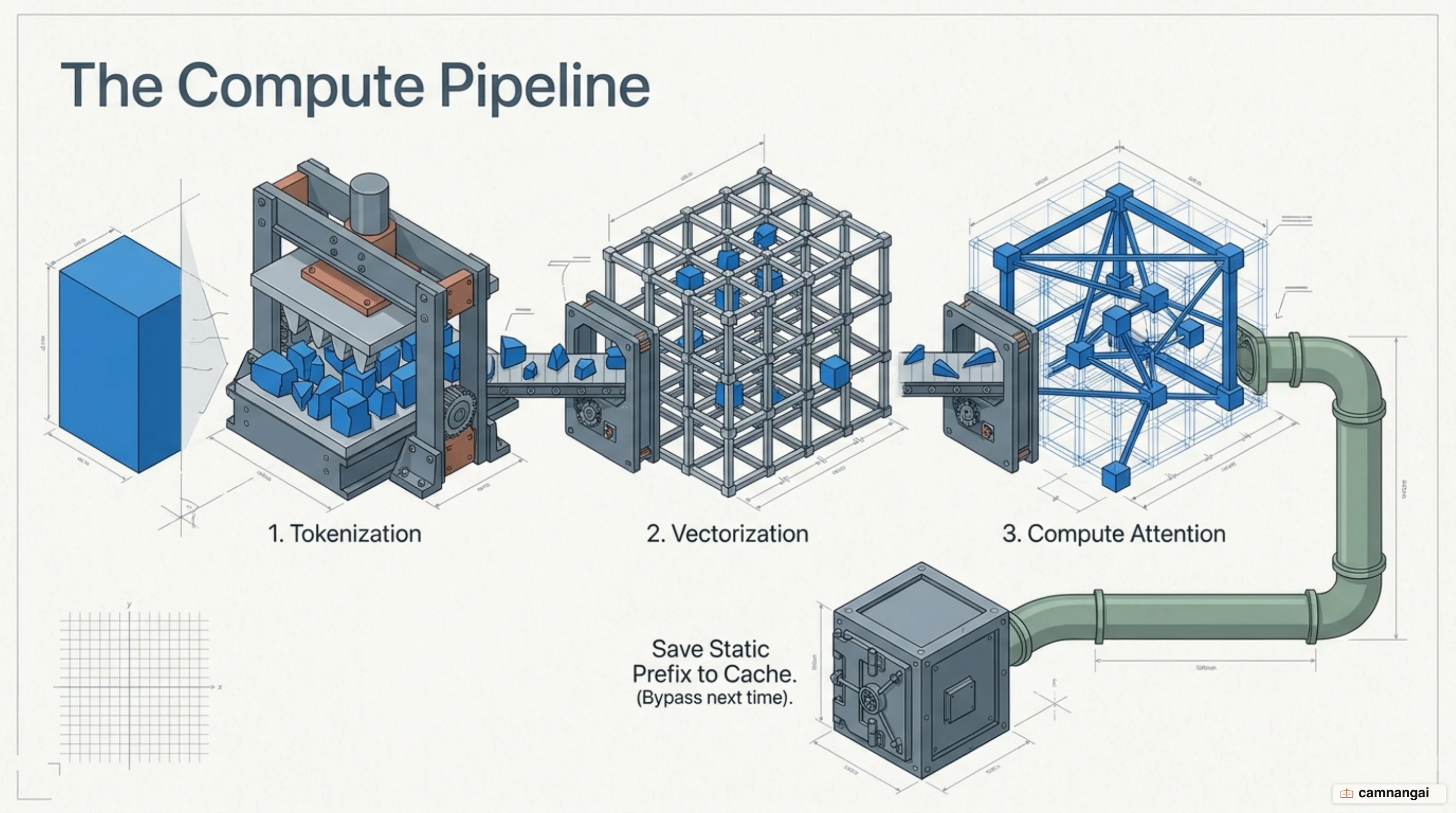
The LLM pipeline tokenizes text into IDs, converts those IDs into high-dimensional vectors, and performs the "compute attention" step. During attention computation, vectors are adjusted based on their relationship to previous tokens. Prompt caching stores the result of this math for a specific prefix, which follows a strict hierarchy: tools first, then system instructions, and finally message history.
When you send a request, the system uses a 20-block lookback window. It checks at most 20 positions per breakpoint, walking backward from your designated cache point to find a matching prefix that was previously written. If the prefix diverged more than 20 blocks before your current breakpoint, the lookback fails. This is why manual breakpoints matter for growing conversations that exceed the 20-block limit.
You set this at the block level using the cache_control parameter to mark exactly where the static prefix ends.
"content": [
{
"type": "text",
"text": "Extensive system context and few-shot examples...",
"cache_control": { "type": "ephemeral" }
}
]Why prompt caching stops you overpaying
Prompt caching restructures your unit economics. Writing to the cache typically carries a 25% premium (a 1.25x multiplier), while reading from that cache is an order of magnitude cheaper — usually 10% of the base input price (a 0.1x multiplier). This 90% discount on cache hits has become common across providers like Anthropic and OpenAI.

Consider a concrete example from the Claude 3.5 Sonnet pricing: a base input of $2.00 per million tokens (MTok), a 5-minute cache write at $2.50/MTok, and a cache read at only $0.20/MTok. If you are processing 100k tokens of context, the first "write" request is slightly more expensive, but every subsequent request drops the cached portion from $0.20 to $0.02. Over hundreds of turns, this virtually eliminates the cost of your system instructions and long-form reference material.
When prompt caching pays off
The highest ROI is in multi-turn conversational agents, coding assistants, and "many-shot" prompting. Providing dozens of high-quality examples (10,000+ tokens) usually makes requests too slow and expensive for production; caching makes many-shot prompting financially viable. Coding assistants benefit similarly by keeping summarized codebases in the cache, enabling fast, low-cost autocomplete and Q&A.

To eliminate first-token latency, use the "pre-warming" technique. By sending a request with max_tokens: 0, the API processes and caches the prompt without generating output. This is the modern replacement for the max_tokens: 1 hack, ensuring an immediate cache hit when the user actually interacts — perfect for loading large knowledge bases before the user even finishes typing.
Mistakes that cost you the cache hit
The most common error is the "varying suffix" trap. Because the hash is cumulative, placing dynamic data — a timestamp, a unique user ID, or a rotating tool definition — before your static content invalidates every subsequent token. Switching the reasoning level or changing model settings between requests also breaks the cache, even if the text is identical.
Be precise with minimum token thresholds. A common rule of thumb is 1,024 tokens, but the limits are stricter for some models: Claude Haiku 4.5 requires a minimum of 4,096 tokens to trigger caching. If your prefix is 4,000 tokens on Haiku 4.5, the system silently skips caching and you pay full price every time. Keep TTLs in mind too: OpenAI offers a 30-minute default TTL, whereas Anthropic defaults to 5 minutes unless you pay the 2x multiplier for the 1-hour window.
Where to start saving
Start by identifying your static prefix — the system prompts, tool definitions, and documentation that never change. Set an explicit breakpoint at the end of that block. For simple multi-turn chats, enable automatic caching so the system moves the cache point forward as the conversation grows.
Then verify your hit rate by monitoring the cache_read_input_tokens field in the API response. That is your ground truth. If the field is zero, you likely have a varying suffix or haven't hit the minimum token threshold — which means you are still paying full price on every call.