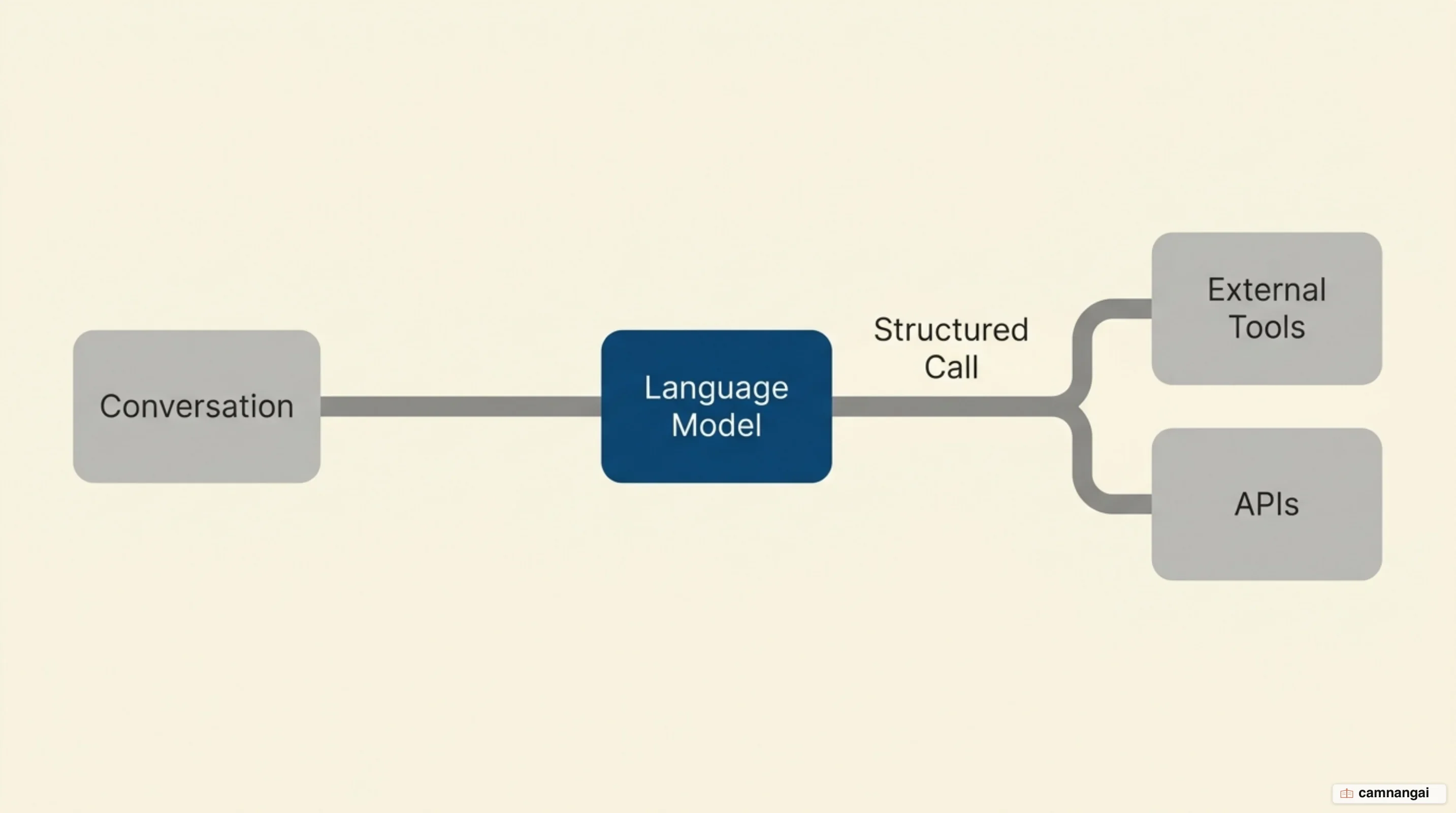
Function calling is a structured protocol that allows large language models (LLMs) to interact with external systems by generating machine-readable parameters for APIs, databases, and custom tools.
The model is still predicting tokens, but some of those tokens are arguments: it works out that a user's intent requires an action outside the conversation, and then it writes the specific arguments needed to carry that action out.
This mechanism is the main bridge between natural language and structured API execution. You provide the model with a set of tool definitions — written in a subset of the JSON Schema standard — and the model returns a structured call that your application then executes.
By implementing function calling, you move from building simple chatbots to architecting agentic systems.
The model handles the logic of tool selection and parameterization, while your client-side code maintains the security perimeter, manages execution, and handles API credentials.
What is function calling?
Function calling is a technical mechanism that lets a model get past the limits of its static training data by interacting with live environments. It works like a handshake: you define the capabilities of your external tools, and the model analyzes the user's request to determine if those tools are necessary. When a match is found, the model emits a structured response containing the function name and arguments instead of a conversational text response.
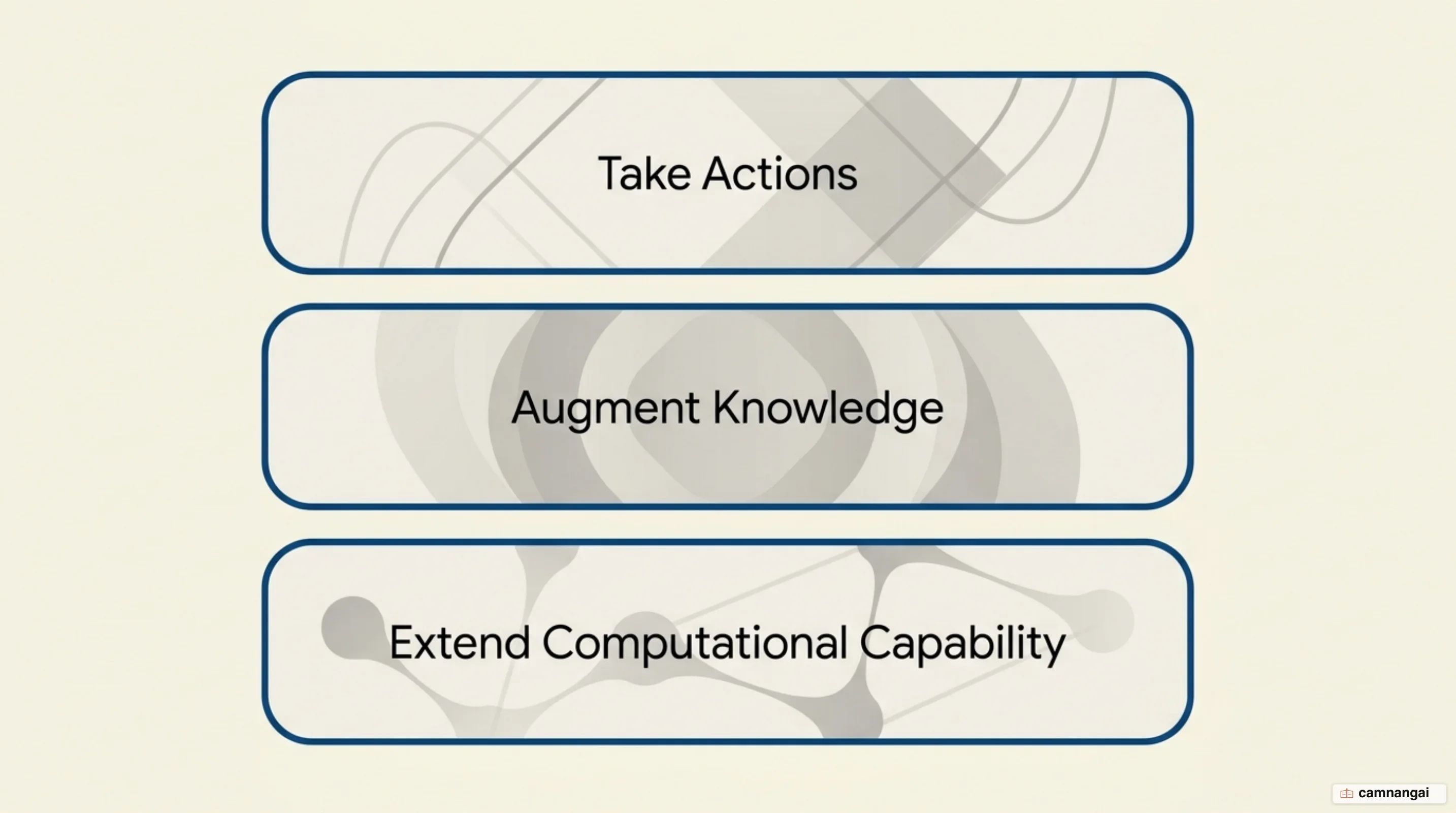
The capability breaks down into three primary use cases. It lets models take actions through APIs, so scheduling a meeting, creating an invoice, or switching a hardware device all become things a model can start. It augments knowledge, because the model can retrieve real-time data from internal databases or external knowledge bases that weren't present during the model's training. And it extends capabilities by offloading the logic that models struggle with, such as complex math or chart generation, to specialized external software.
The model does not execute the code itself, and that is the part people skip when they first wire this up. The model only identifies the intent and populates the schema, while the responsibility for the actual execution remains entirely on your client-side application. That split is also the whole security story: your application keeps control over the execution environment and the security protocols, and the model stays in the reasoning lane.
How does the function calling loop work?
The technical lifecycle of a tool call follows a structured four-step interaction. It begins with the developer defining a function declaration, which includes the tool's name and its logic requirements. Next, your application sends the user's prompt along with these declarations to the model. The model evaluates the context and, if a tool is required, predicts a tool-use token, providing the function name and required arguments.
When the model predicts a call, it pauses generation and returns a specific finish_reason or
stop_reason (typically tool_use or function_call). At this point, your client-side application
takes over, extracts the arguments, and executes the function in your local or remote environment.
Finally, you send the result of that execution back to the model. The model then processes the tool
output to generate a final, human-readable response that incorporates the retrieved data.
In practice you write this as a while loop keyed on that stop reason: while the response says a
tool is needed, you execute and report back; the loop exits on any other stop reason, meaning the
model has produced its final answer. While SDKs often manage this state automatically, you can
switch to stateless mode by setting store=false, and then the bookkeeping is yours. In that
configuration, you must manually manage the
full conversation history — including previous user inputs, model thoughts, function calls, and the
resulting data — and pass the entire context back in every subsequent request.
What actually happens inside the model?
Internally, the model treats tool definitions as a specialized part of its context window. The descriptions you provide for functions and parameters act as semantic cues; the model uses this text to reason about whether a tool is appropriate for a specific query. Which means your parameter descriptions are prompt engineering, whether you were treating them that way or not. When a requirement is identified, the model shifts from text generation to a specific token generation process where it predicts keys and values that map to your defined schema.
Advanced models, such as the Gemini 3 series, employ an internal thinking process before emitting a function call. This reasoning phase involves generating thought signatures where the model plans its tool usage to improve accuracy. In production environments, SDKs are designed to handle these thought signatures automatically, so your integration logic remains focused on the resulting function call rather than the model's internal deliberations.
The quality of these calls is measured with Abstract Syntax Tree (AST) evaluation. Unlike simple string matching, AST evaluation checks if the model's output is syntactically correct and logically matched against the intended tool's structure. This prevents false positives where a model might output text that looks like a function call but fails when passed to a real compiler or API parser.
Defining a function: JSON Schema and descriptions
A function declaration is an object passed as a tool that must contain three mandatory components:
name, description, and parameters. The parameters are defined with JSON Schema, in a form
providers describe as a subset of the OpenAPI schema. Strong typing, such as integer, string,
or enum, is what constrains the model's output, so reach for it early. Models only support a
specific subset of the standard, and deeply nested or overly complex structures may cause the model
to fail.
The required array is the field I check first when a tool call misbehaves. It must contain strings
that match your property names exactly; any mismatch here is a common source of production errors.
Using enums for
specific settings — like a fixed set of status codes or color temperatures — forces the model to
choose from valid options rather than hallucinating its own values.
Below is an example of a function schema for a light-setting tool:
{
  "name": "set_light_values",
  "description": "Sets the brightness and color temperature of a light.",
  "parameters": {
    "type": "object",
    "properties": {
      "brightness": {
        "type": "integer",
        "description": "Light level from 0 to 100"
      },
      "color_temp": {
        "type": "string",
        "enum": ["daylight", "cool", "warm"],
        "description": "Color temperature"
      }
    },
    "required": ["brightness", "color_temp"]
  }
}
Calling several functions: parallel, sequential and multi-tool
Modern systems often require multiple tools to solve a single request. Parallel function calling
occurs when a model identifies independent actions that can be executed simultaneously. For example,
a request to "set the stage for a party" might trigger simultaneous calls to power_disco_ball()
and start_music(). The model returns these in a single turn, allowing your application to execute
them in parallel to reduce latency.
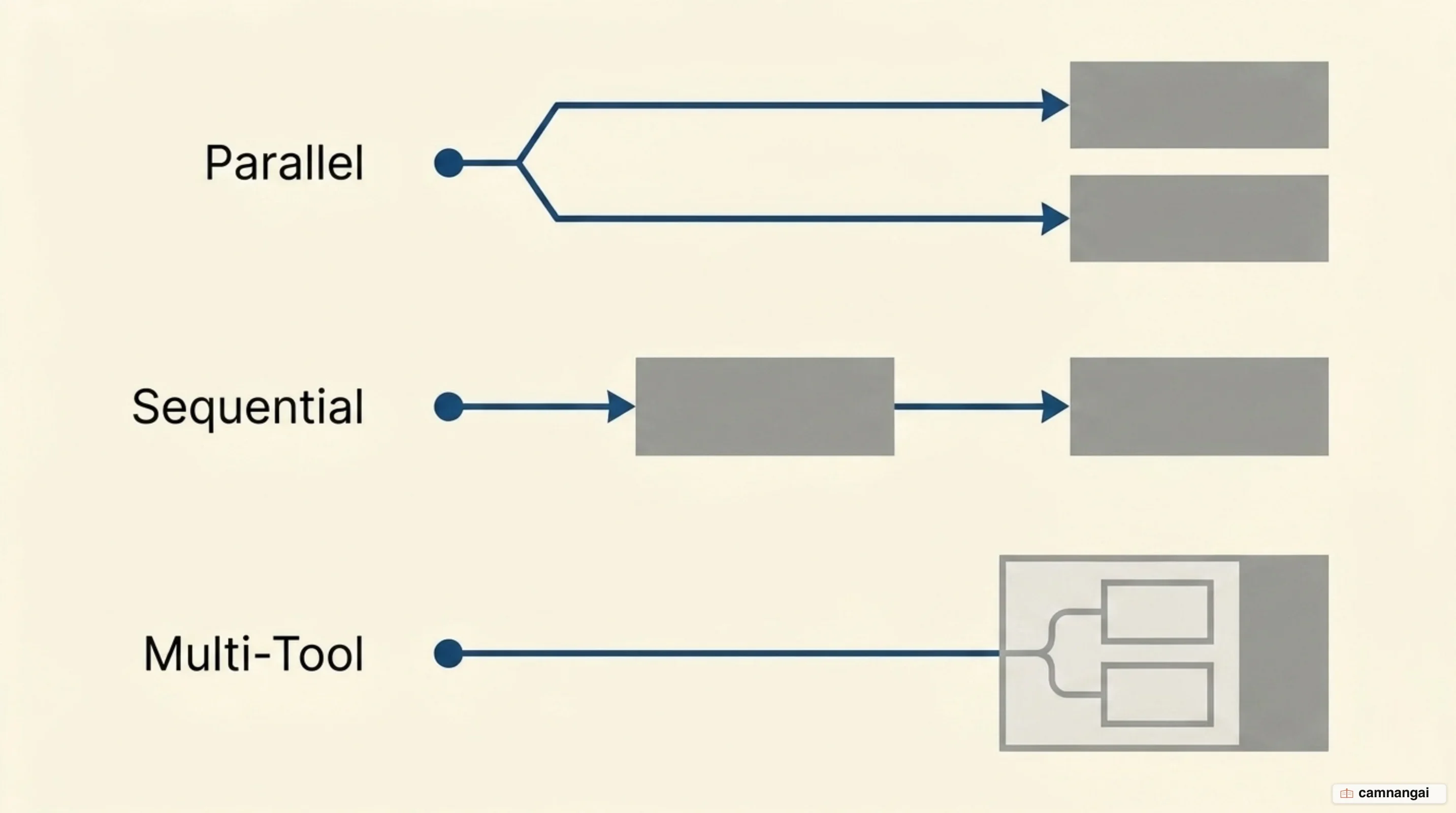
Conversely, compositional function calling, also called sequential calling, is what you get when
the output of one function is a dependency for the next. If a user asks to "set the thermostat based on
London's weather," the model must first call get_weather("London"), receive the temperature, and
then use that data in a second turn to call set_thermostat(). Each link in that chain is a full
round trip, so a deep chain costs real latency.
Multi-tool use allows the model to mix built-in tools with your custom functions. In a single
workflow, a model could use Google Search to identify a location and then immediately trigger your
custom get_internal_inventory() function for that site. Passing a previous_interaction_id
ensures the context from built-in tool results is circulated correctly for subsequent custom
function calls.
How function calling differs from structured outputs and JSON mode
While JSON mode, structured outputs, and function calling all produce formatted data, their architectural intent differs. JSON mode and structured outputs focus on the format of the final text response. They ensure that if you ask for a summary in JSON, the model adheres to that format. Function calling, however, is about intent and the triggering of external actions.
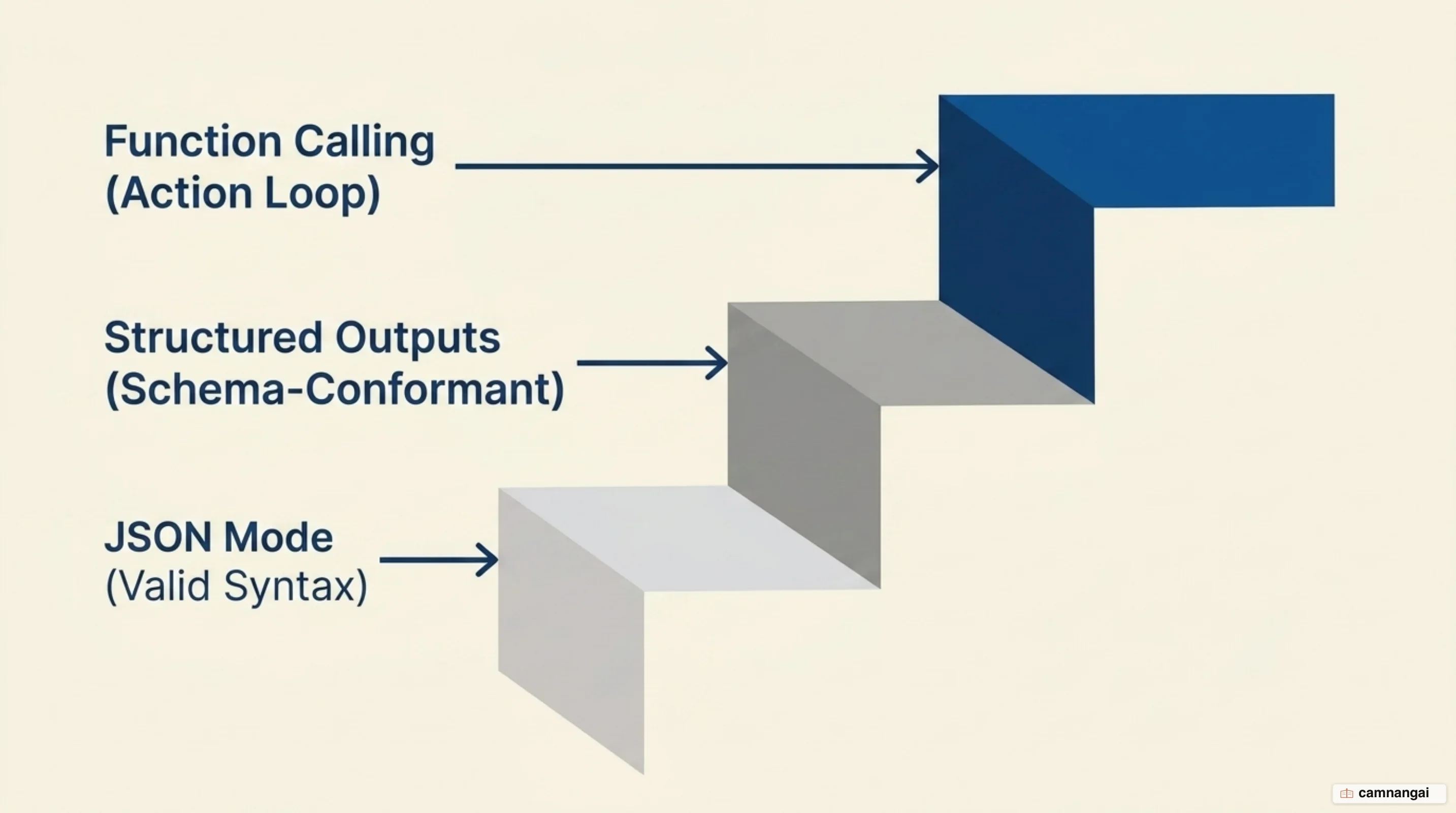
Function calling signals that the model cannot complete the task with text alone and requires external data to continue its reasoning. These features are frequently layered for reliability. For instance, you can combine function calling with structured outputs to ensure that the arguments passed to your tool strictly follow your schema.
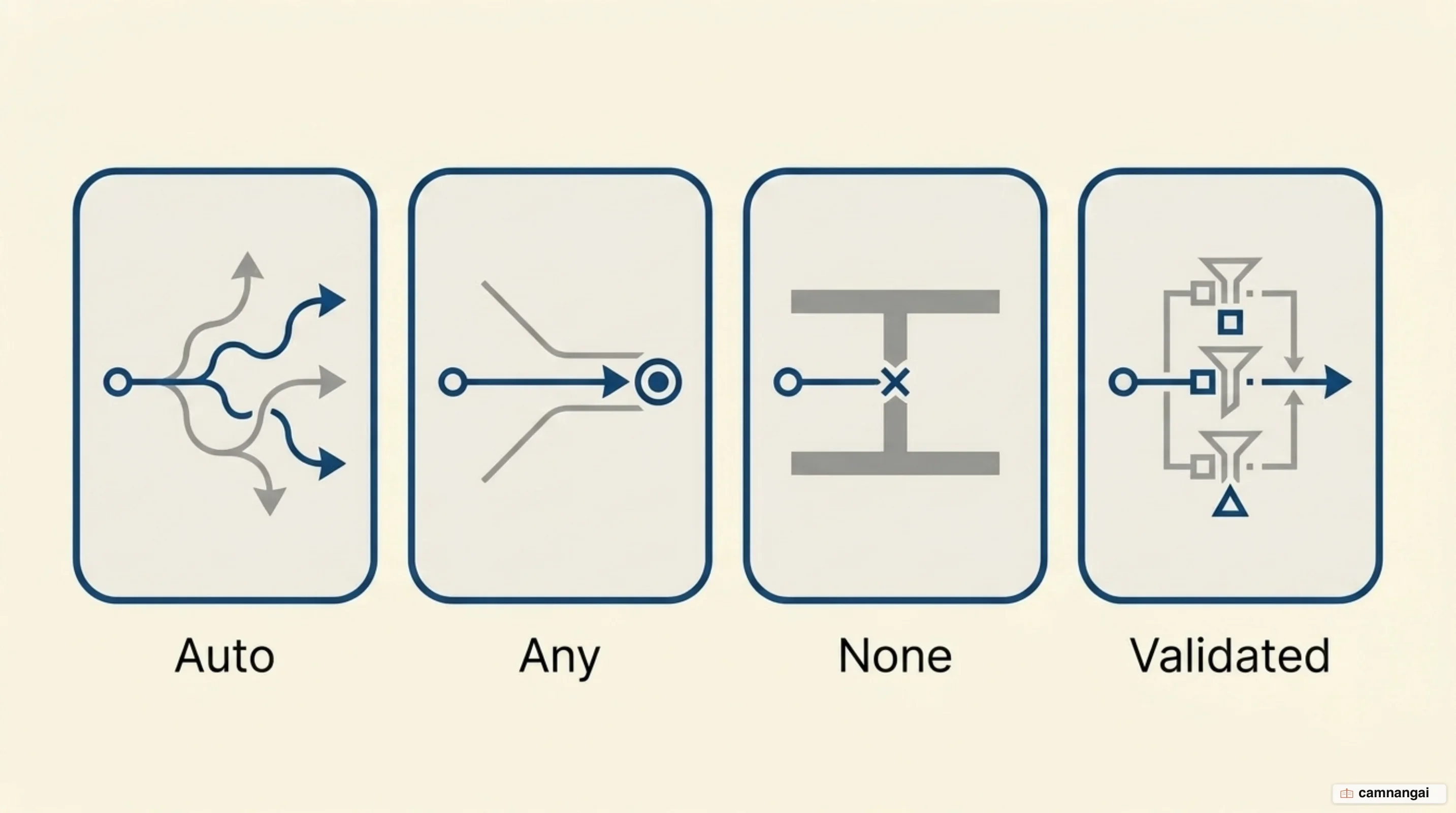
Gemini also provides a validated tool choice mode, which ensures the model's output adheres
strictly to the provided function schema. This is distinct from auto (model decides), any
(forces a call), or none (prohibits calls). For production systems where schema drift or malformed
arguments can break downstream API integrations, that stricter mode is the safer default.
How accurately do models call functions?
Model performance in tool use is quantified by the Berkeley Function Calling Leaderboard (BFCL) V4.
This benchmark uses AST evaluation to ensure models are not just guessing strings but are providing
logically sound calls. The (FC) tag on a row means the model was scored in its native
function-calling mode rather than through prompting. Claude-Opus-4-5-20251101 (FC) leads with an
overall accuracy of 77.47%, followed by Claude-Sonnet-4-5-20250929 (FC) at 73.24%. The gap down to
open weights is wide: Qwen3-32B (FC) sits at 48.71%.
The split between native function calling and prompt-based workarounds is worth reading carefully. Gemini-3-Pro-Preview scores 72.51% in its prompt configuration and 68.14% in its native FC configuration — the prompted variant ranks third overall while the native one ranks seventh. So a provider's native support is not automatically the stronger path, which is worth remembering the next time a docs page tells you to switch.
The BFCL also measures hallucination rates — specifically how often a model invents a tool call when no relevant tool exists — and performance in multi-turn interactions. High-tier models maintain accuracy in the 70% range for these agentic tasks, while smaller or less specialized models often fail when schemas become nested or when irrelevant tools are included in the context. Cost and latency vary just as widely across the same table, so accuracy alone should not pick your model.
Where function calling breaks in production
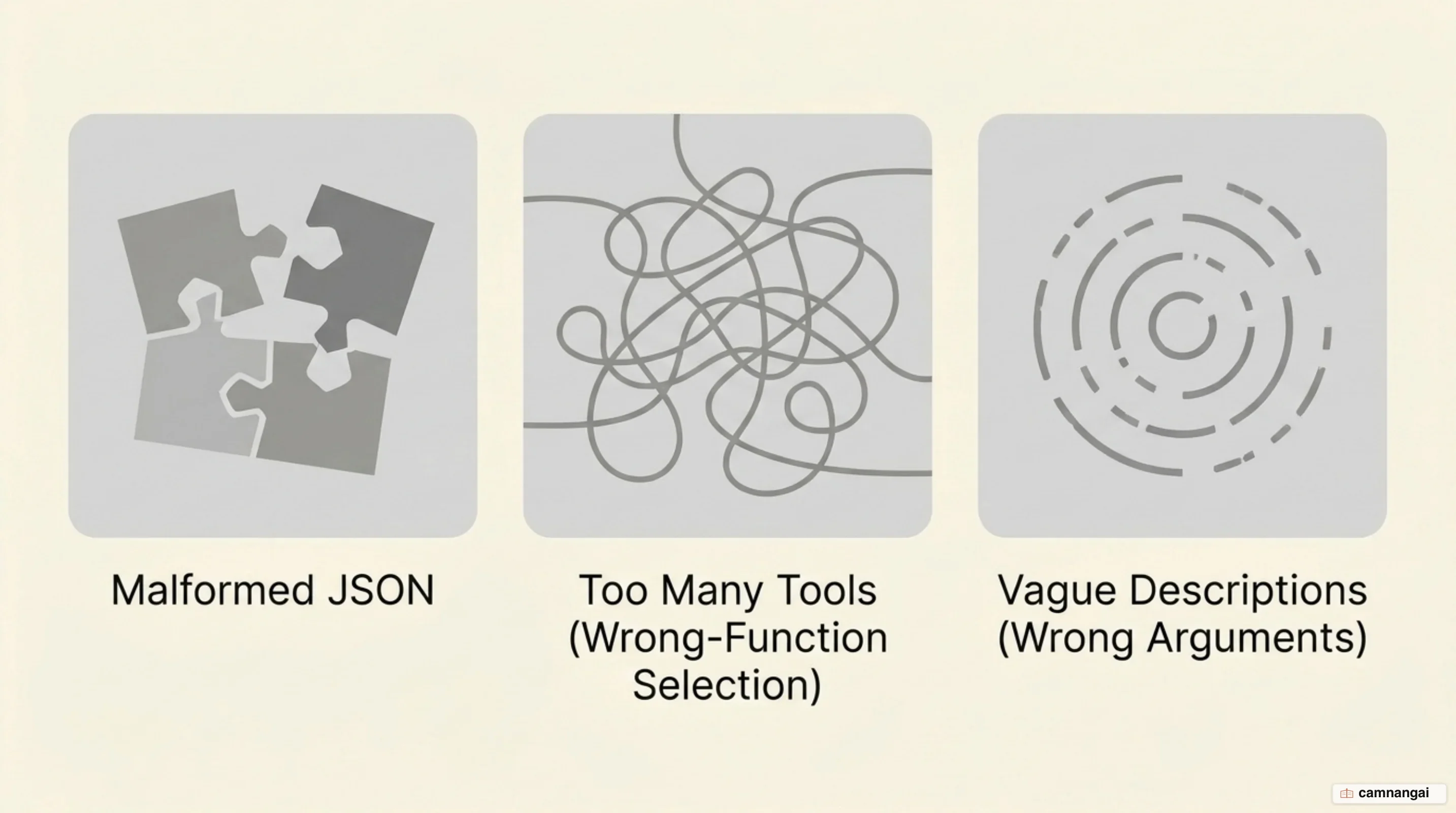
The most frequent failure in production is the Malformed_Function_Call error. This typically
happens when a model is instructed to output structured text — like XML or YAML notes — immediately
before it makes a tool call. The model may struggle to separate the raw text from the structured
JSON of the function call, causing your parser to fail.
To resolve this, use the update() function workaround. Instead of asking the model for raw text
notes, provide an update() tool with specific parameters: previous_step (findings), plan
(current status), next_step (immediate action), and external (user-facing note). Instructing the
model to use this tool ensures the entire output remains structured and machine-readable, avoiding
parsing conflicts.
The other common failure mode is tool set bloat, and it creeps up on you because every new tool looks harmless on its own. Providing more than 20 active tools increases the probability of the model selecting the wrong function. And because every sequential tool call requires a full round-trip to the model, deeply nested compositional loops can introduce real latency on top of that. Prune tool sets to the minimum necessary for the current task to maintain both accuracy and speed.
When function calling is the right tool, and when it isn't
Function calling is the correct choice when your system requires verifiable, deterministic actions based on user input. If you need to interface with a production API, query a database, or trigger physical hardware, function calling provides the necessary logic to bridge the gap. It is the fundamental building block for any agentic workflow.
However, do not use function calling for simple data transformation or formatting tasks. If your goal is to turn a text block into a JSON object, JSON mode or structured outputs are more efficient and carry less overhead. Function calling should be reserved for the reasoning-action-reasoning loop. Always treat model-generated calls as untrusted input: implement strict validation and security gates before executing any function in your production environment.
References
- Function calling — OpenAI API
- How tool use works — Claude Platform Docs
- Function calling with the Gemini API — Google AI for Developers
- Introducing advanced tool use on the Claude Developer Platform — Anthropic
- Tool Calling Best Practices for LLMs — AI/TLDR
- When should I use function calling, structured outputs or JSON mode? — Vellum
- Berkeley Function Calling Leaderboard (BFCL) V4 — UC Berkeley
- How Function Calling Actually Works Under the Hood — Let's Data Science