Claude Artifacts are dedicated, live objects that hold standalone content in a panel beside the conversation — technical documents, codebases, and interactive React components that sit to the right of the chat for immediate reference and iteration. While standard chat replies are short-lived and easily buried in a long history, artifacts persist as rendered objects you can edit in place.
Claude opens an artifact on its own when the output is substantial and self-contained, or when you ask for one directly. It shifts from a text assistant into more of a technical collaborator, keeping key assets (system maps, data dashboards) ready for real-time editing and sharing. The separation lets you keep working on the asset without losing the thread of the conversation.
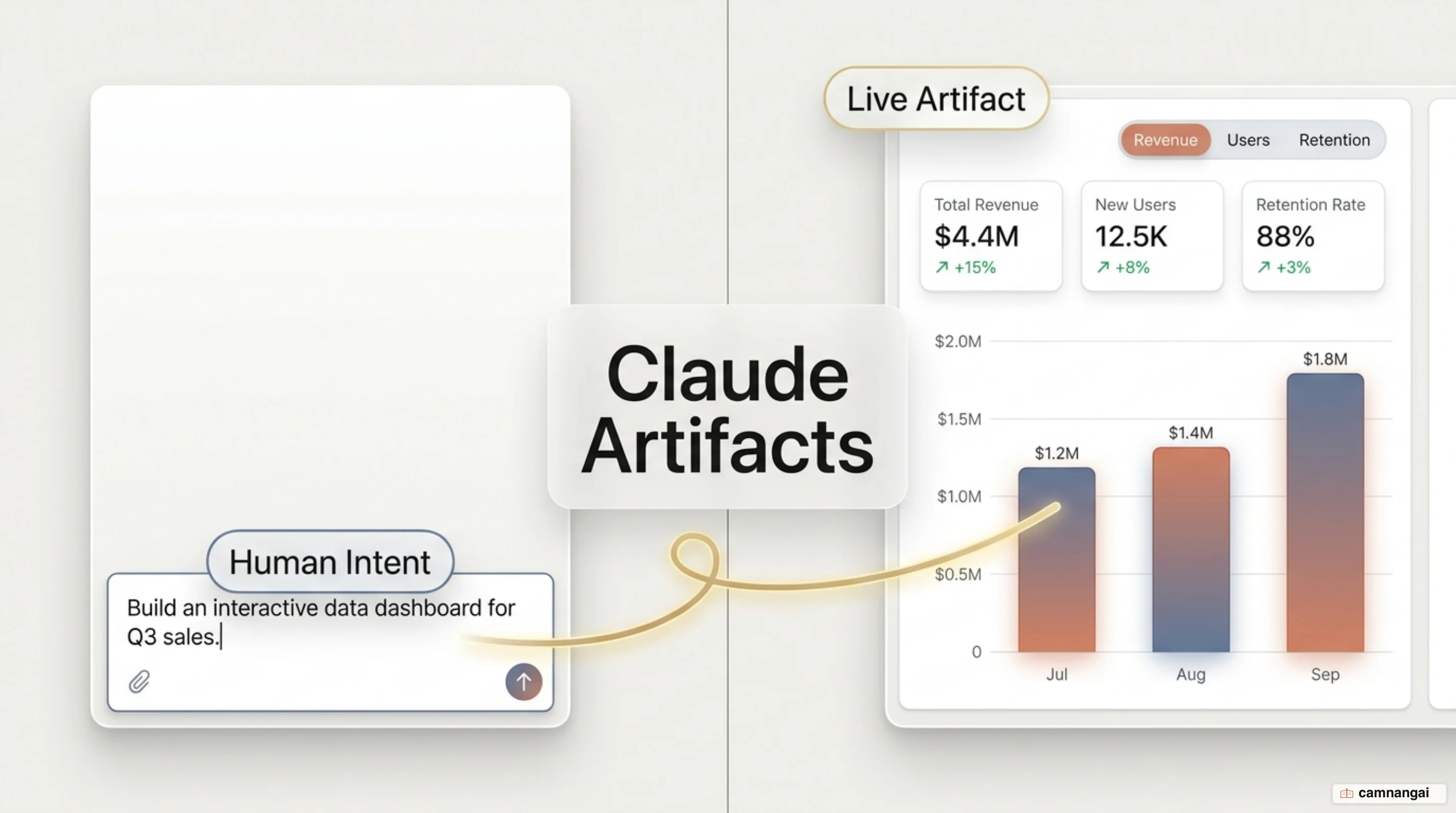
What are Artifacts?
The rough threshold is 15 lines: past that, Claude assumes the content wants a window of its own. These objects are captures of work rather than full-stack applications; they hold complex content meant for iteration, reuse, or external reference. When an artifact opens, a separate window appears to the right of the chat. That isolates the asset, so you can watch a live rendering — a styled HTML table, a Mermaid flowchart — while you keep refining the logic through the conversation.
The supported content types are broad: Markdown and plain text, code snippets, single-page HTML, and SVG graphics. Two of the highest-value formats are Mermaid diagrams for process mapping and interactive React components for building proof-of-concept tools. Because these are live objects, each conversational refinement triggers an instant update to the rendered artifact, which keeps the feedback loop tight while you are still deciding what you want.
How to enable and create an Artifact
To use artifacts, the "Code execution and file creation" capability must be active. Individual users on Free, Pro, or Max plans toggle it under Settings > Capabilities. In Team or Enterprise environments, an Organization Owner enables it in the organization settings. One constraint matters: artifacts are supported only via the Anthropic API. They are not available for sessions running on Amazon Bedrock, Google Vertex AI, or Microsoft Foundry. That is the constraint I would check first, because a team that has standardized its whole stack on Bedrock is simply shut out of the feature.
Creation happens two ways: Claude may generate an artifact automatically based on the content's length and complexity, or you can explicitly ask for a visual or named asset.
Create an interactive dashboard tracking my team's weekly deployment failures based on the attached log file. Render this as an artifact.What you can build with Artifacts
The most ordinary use is also the most durable one: documentation you keep coming back to. That covers project briefs, license audits of repository dependencies, and detailed brand style guides. Unlike standard chat responses, these are living files that work as persistent references, avoiding the context loss that creeps in as a conversation grows.
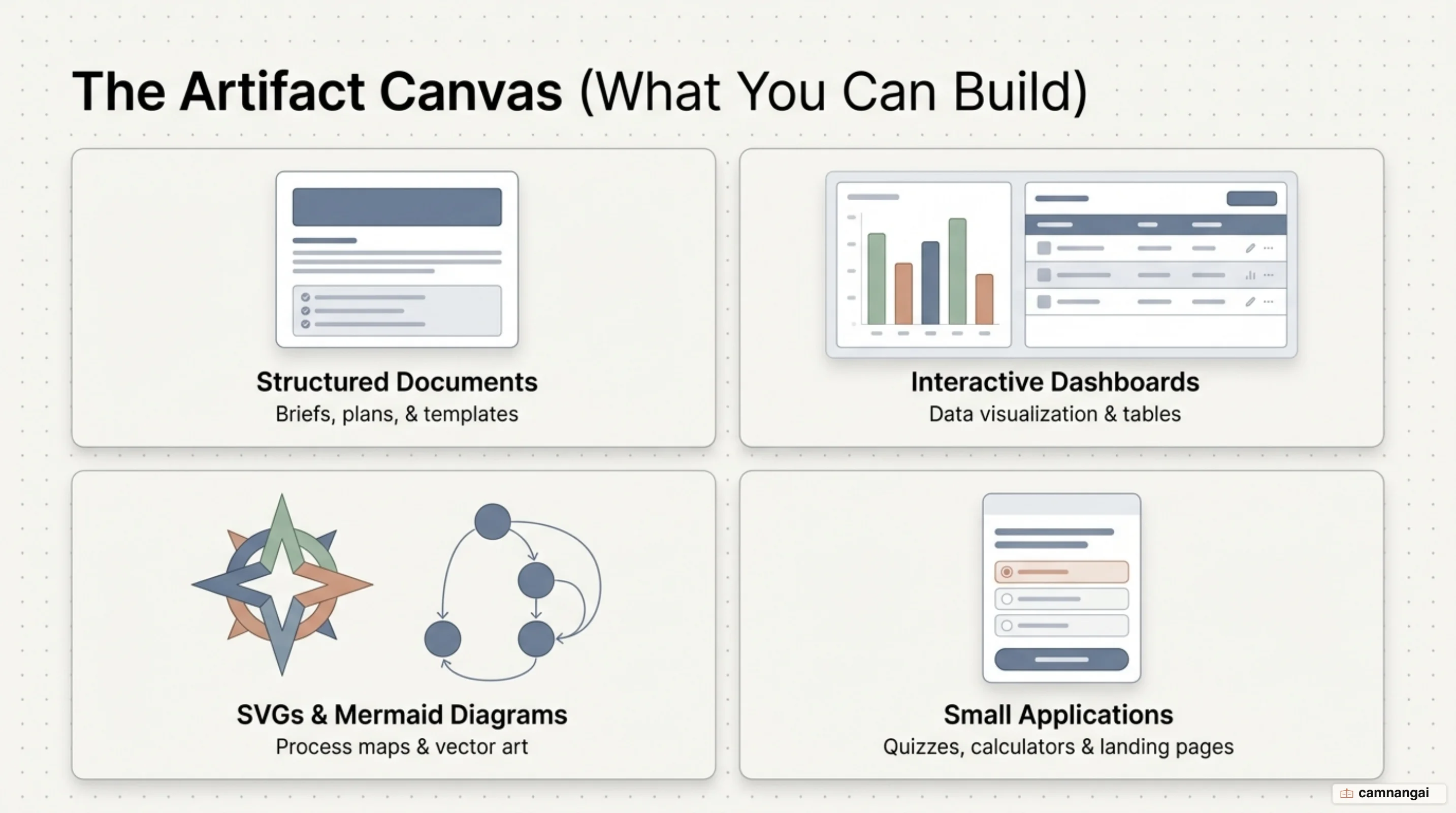
For technical and visual workflows, artifacts render system maps drawn from real import graphs, Mermaid flowcharts for incident investigation, and SVG graphics for architectural diagrams. You can map cloud resources and cost drivers directly from Terraform files. Because they support HTML and CSS, artifacts are also effective for web-ready infographics and interactive dashboards that filter and sort without an external business-intelligence tool.
Interactive use cases extend to coaching tools, calculators, and landing pages — pages search engines index and can rank quickly, which makes them handy for rapid prototyping or content testing. Just remember that artifacts are static captures: they have no backend and cannot store data in a database or call external APIs at view time.
Editing, sharing, and version history
Artifacts support edit-in-place for Markdown, letting you highlight a specific segment for a targeted revision. For more involved work, Claude can batch edit requests across multiple files before submitting them for a single-pass update. A version selector lets you toggle between iterations, or fork the conversation to explore an alternative implementation without overwriting the current one.
Sharing is tiered by plan: Pro and Max users can publish artifacts to public URLs accessible to anyone, while Team and Enterprise artifacts stay restricted to authenticated members of the publishing organization. Artifacts are viewable but not co-edited; the author keeps sole write access. On resources, the rendered page is capped at 16 MiB, which sounds generous until you inline a few screenshots as data URIs, and a strict Content Security Policy (CSP) blocks external requests for scripts, fonts, or images. To comply, Claude inlines all CSS and JavaScript and embeds images as data URIs.
Advanced features: AI-powered artifacts, MCP, and persistent storage
AI-powered artifacts let you embed Claude's intelligence into a shared application through a text-based API. These apps run on Anthropic's infrastructure, with usage costs applied to the viewer's subscription rather than the creator's. That enables adaptive tools — personalized training modules or incident-response simulators — that react to input in real time.
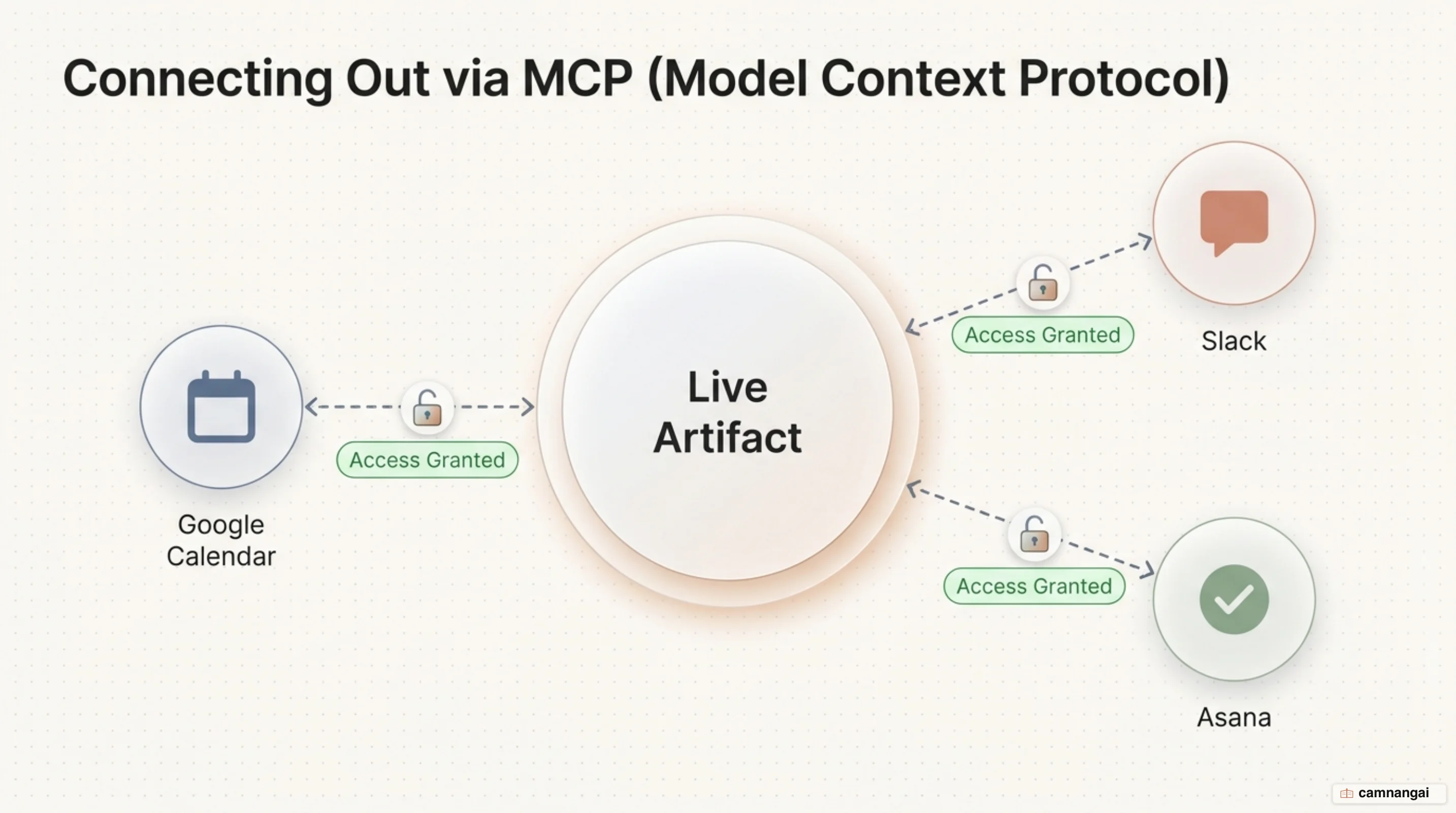
Through the Model Context Protocol (MCP), artifacts can integrate with external environments like Asana, Google Calendar, or Slack, reading from or writing to those tools once the user approves access. Persistent storage (available on Pro, Team, and Enterprise) lets artifacts save state across sessions (a journal, a leaderboard) with a 20 MB limit. Note that persistent storage works only for published artifacts and is restricted to text-only input, so a write that silently does nothing while you are still testing usually means you have not hit Publish yet.
Artifacts in Claude Code
In the Claude Code CLI and desktop app, artifacts are built from the full session context, including the local codebase, connected tools, and terminal logs. That enables developer-centric outputs like PR walkthroughs with annotated diffs, where the reasoning sits directly alongside the code. You can also generate live release checklists and system explainers that update automatically as the session progresses.
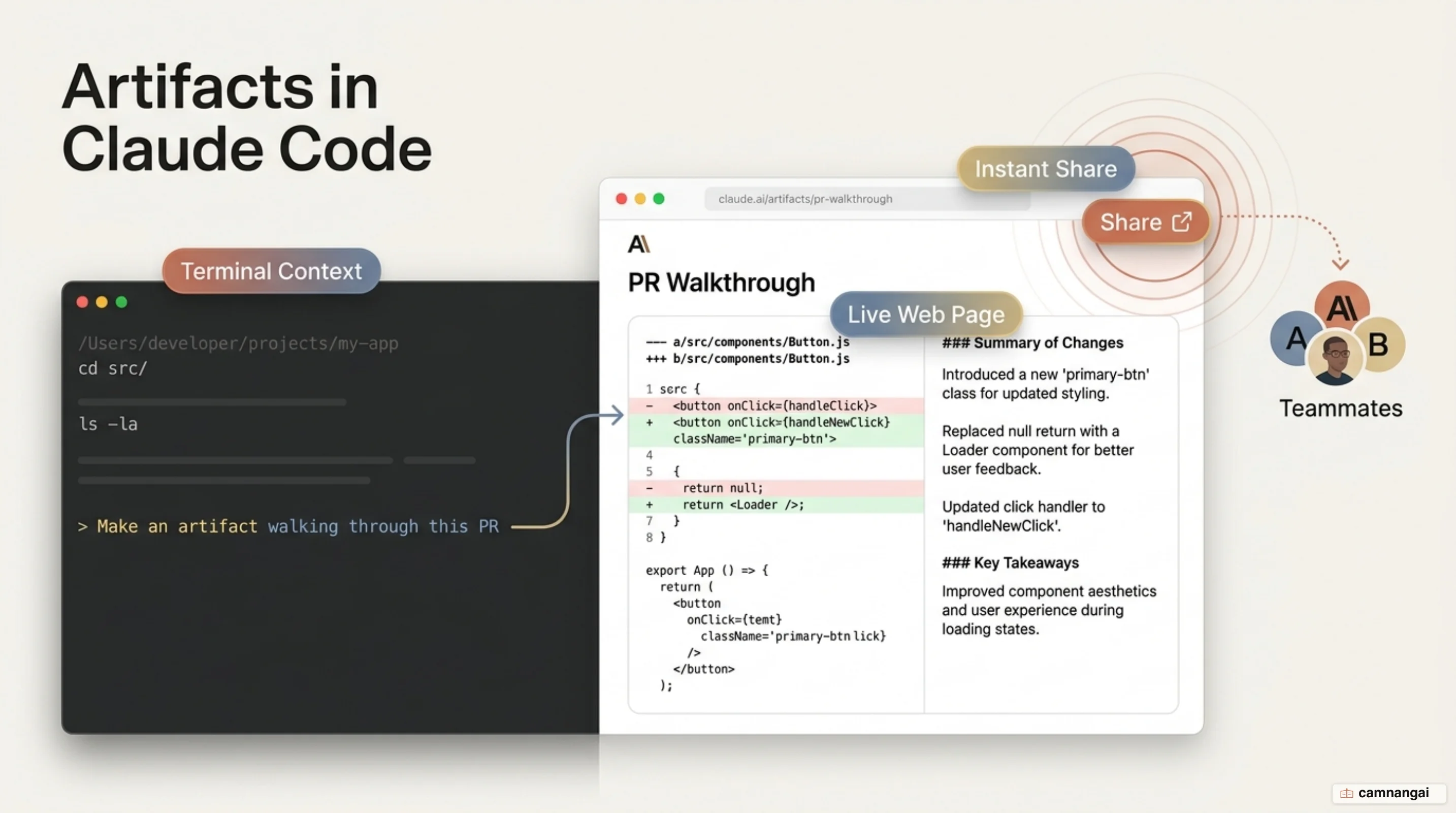
Artifacts in Claude Code are governed by stricter compliance controls. They cannot be made public and are subject to organization-level toggles and retention policies. That is the right default for work assembled out of a private codebase, but it does mean the polished walkthrough stops at the org boundary. They are also blocked if the organization has enabled Customer-Managed Encryption Keys (CMEK), HIPAA compliance, or Zero Data Retention (ZDR). For quick navigation, press Ctrl+] to reopen the most recent artifact in the browser.
export CLAUDE_CODE_ARTIFACT_AUTO_OPEN=0
# Disables automatic browser launching on every artifact publish
References
- What are artifacts and how do I use them? | Claude Help Center
- Claude Code now supports artifacts | Claude by Anthropic
- How I use Claude Artifacts in my content workflow — Yulia Savliuk
- Share session output as artifacts — Claude Code Docs
- Claude Artifacts: What They Are and How to Use Them — YouTube