When you finish, you have a coding agent running in your terminal — it reads the files in your project, edits them, and runs commands on your machine.
These steps install Codex, sign you in, and get your first task running.
You need a terminal and an OpenAI account, either a ChatGPT plan or an API key. The standalone installer and the Homebrew cask drop in a native binary, so Node.js only matters if you install through npm, where the package requires Node.js 16 or later. For background on what the agent actually does, read What Is Codex?.
Step 1 — Install Codex
Pick one — skip the others.
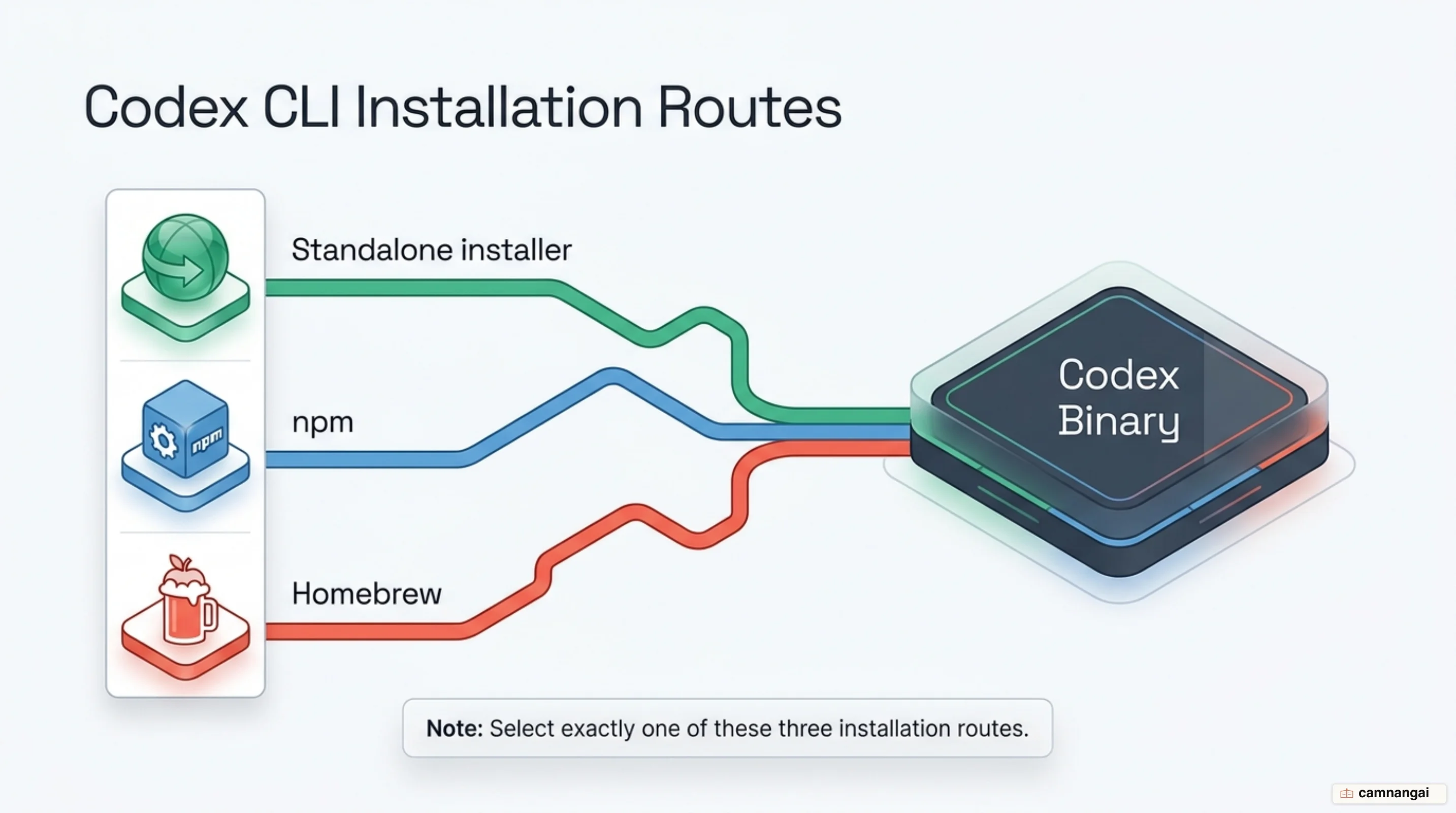
Use the standalone installer
curl -fsSL https://chatgpt.com/codex/install.sh | shThis downloads the Codex CLI binary and installs it directly to your system. It is the fastest path on macOS and Linux, and it keeps Node.js versions out of the picture entirely.
Use npm
npm install -g @openai/codexThis installs the CLI package globally. On Arm Linux (Ubuntu/Debian), install Node.js from NodeSource first if it is missing.
Use Homebrew
brew install --cask codexThis installs Codex as a cask on macOS.
Step 2 — Verify the install
codex --versionThe output resembles @openai/codex, 0.146.0. That confirms the binary is on your PATH and executable from any directory.
Step 3 — Sign in to Codex
Pick whichever one matches the account you already have.
Browser-based login
codex loginThis opens a browser window and authenticates the session with your ChatGPT account.
API Key login
printenv OPENAI_API_KEY | codex login --with-api-keyThis authenticates the CLI with an OpenAI API key, which bills usage at API rates instead of drawing on ChatGPT plan credits.
Access Token login
printenv CODEX_ACCESS_TOKEN | codex login --with-access-tokenUse this for enterprise automation, non-interactive workflows, and headless environments.
Step 4 — Choose the permission mode for your session
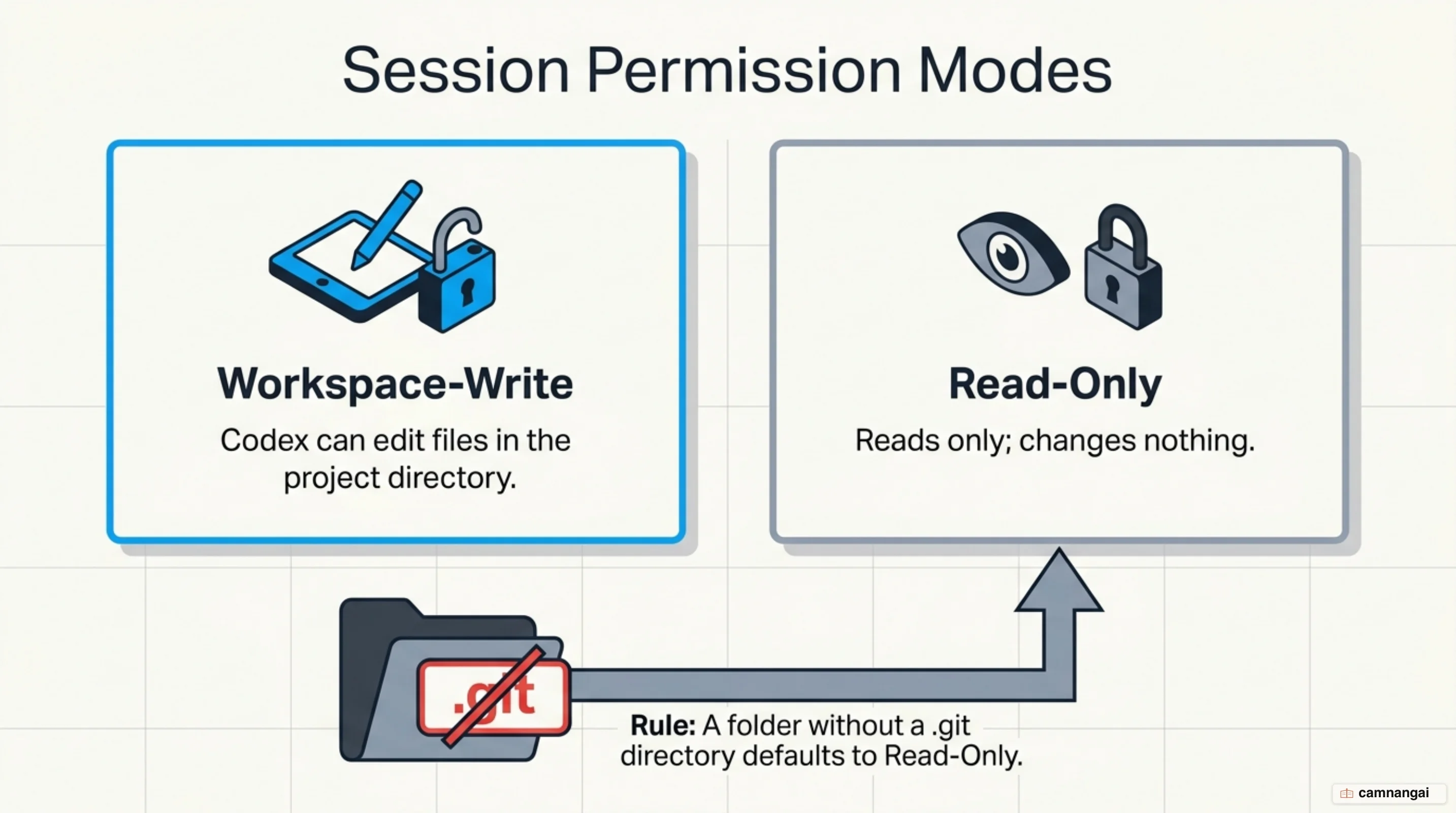
Set the agent's boundaries with the --sandbox flag at launch, or with the /permissions command mid-session.
- workspace-write: reads and edits inside the project directory. The
.git,.agents, and.codexdirectories stay read-only even in this mode. - read-only: reads files and answers questions, and changes nothing.
Start a session with explicit permissions:
codex --sandbox workspace-write --ask-for-approval on-requestA folder without a .git directory defaults to read-only, so Codex will not edit anything there
until you change the mode.
Step 5 — Run your first task in a project
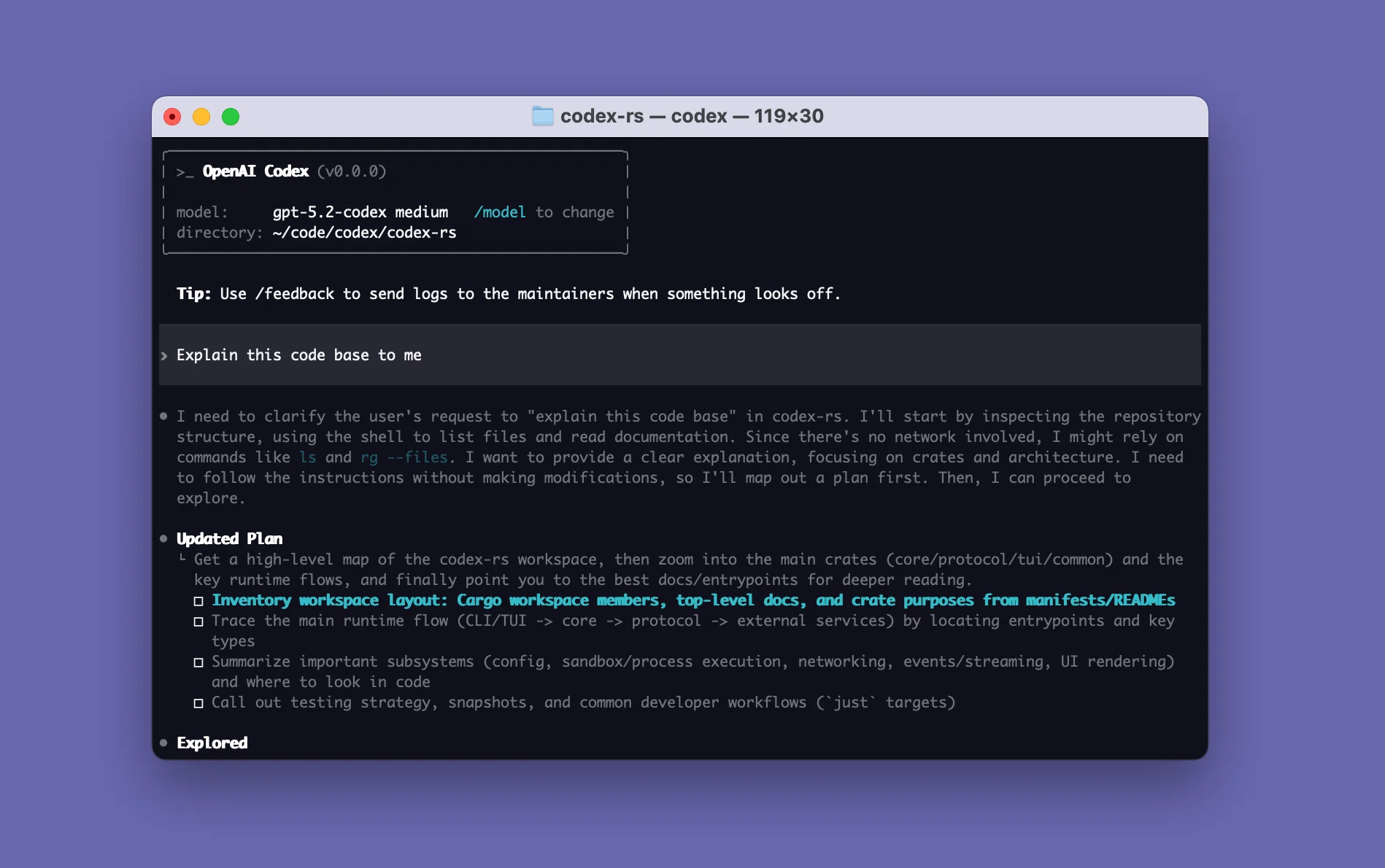
codexRun this from inside a project repository. Give it an opening task, such as "Tell me about this project" or "Improve documentation in [filename]", to start the session in that working directory. On a repository I care about I start in read-only and switch to workspace-write only after I have seen what it wants to do, because an unexpected diff is much cheaper to read than to undo.
Commands you will use every day
| Command | Description |
|---|---|
codex login status | Check the current authentication state and active account. |
codex review | Review uncommitted changes or find issues in a commit. |
/model | Choose the active model and reasoning effort. |
codex logout | Clear stored credentials from the local system. |
Troubleshooting common problems
| Error Message | Likely Cause | Fix |
|---|---|---|
npm warn EBADENGINE Unsupported engine | Node.js is below the package's >=16 floor. | Run nvm install 20 && nvm alias default 20, then reinstall. |
npm ERR! Error: EACCES: permission denied, mkdir '/usr/local/lib/node_modules/@openai' | The global npm directory is owned by root. | Run sudo chown -R $(whoami) $(npm prefix -g)/lib/node_modules. |
| Network calls fail inside a task | Sandbox network access is off by default. | Run codex -c 'sandbox_workspace_write.network_access=true', or set it in config.toml. |
WSL1 is no longer supported | The Linux sandbox moved to bwrap in Codex 0.115. | Upgrade to WSL2. |
What to do next
Run /init inside your repository to generate an AGENTS.md scaffold. That file holds the instructions Codex reads on every later session in the project — conventions, test commands, and what to leave alone. See AGENTS.md best practices.
References
- Codex CLI | ChatGPT Learn
- Authentication | ChatGPT Learn
- Agent approvals & security | ChatGPT Learn
- Developer commands | ChatGPT Learn
- openai/codex — GitHub
- Codex CLI Install Guide — Arm Learning Paths
- codex: command not found? 7 Fixes for npm install -g @openai/codex — ofox.ai
- How to Run Codex CLI on Windows: Native Install or WSL — CodeAgentSwarm